
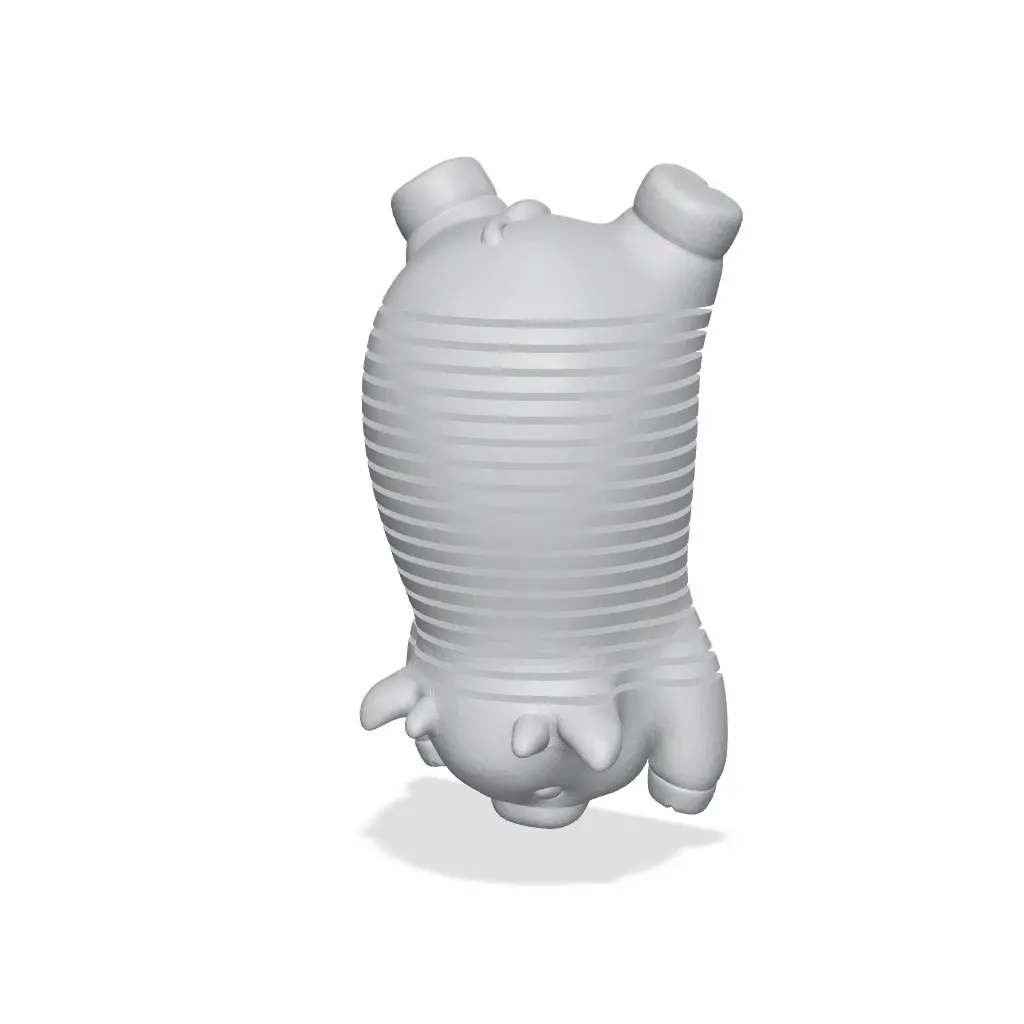
Springy Cow
por Grzegorz K en Thangs
Small Cow with a springy body
Thangs entrega los archivos a usuarios con cuenta gratuita
Licencia
Solo uso personalCC BY-NC-ND 4.0 — Atribución, no comercial, sin derivadas
Solo para uso personal, sin modificarlo y dando crédito. No se permite vender ni redistribuir cambios.
Al descargar aceptas respetar la licencia y dar crédito a Grzegorz K.
Archivos (11)
- SpringyCow.stl STL · 1,4 MB
- SpringyCow_ADDON_Keyring.stl STL · 74 KB
- SpringyCow_ADDON_Spring-joiner.stl STL · 2 KB
- SpringyCow_MULTI_Ears.stl STL · 59 KB
- SpringyCow_MULTI_Eyes-Base.stl STL · 24 KB
- SpringyCow_MULTI_Eyes-Sparkles.stl STL · 46 KB
- SpringyCow_MULTI_Hooves.stl STL · 195 KB
- SpringyCow_MULTI_Horns.stl STL · 43 KB
- SpringyCow_MULTI_Nose.stl STL · 66 KB
- SpringyCow_MULTI_Patches.stl STL · 1,3 MB
- SpringyCow_MULTI_Tail.stl STL · 10 KB
- Categoría
- Juguetes y juegos
- Formatos
- STL
- Descargas
- 15
- Publicado
Sobre este modelo
Small Cow with a springy body
Additional keyring model
Optional models for a multicolor print
---
If you want to sell prints of this models you can join my Commercial Membership on Thangs (with all of my models) or buy a commercial license for life Check a LinkTree in my bio
---
Printing Tips Printed with 0.16 and 0.28 layer height 2-3 walls No supports needed
May be harder to print than typical models You will need a good bed adhesion and a good cooling Using a glue on a bed plate is recommended
You may be needed to separate spring coils from each other after a print. Usually just with your finger nails, in some more rare cases with a thin knife (scalpel) It mostly depends on your seam settings and filament stringing
---
MULTICOLOR
Select SpringyCow and MULTI files, then drop them in slicer, merge together and select color for each part
You don't need to use all the files if you don't want to. You can print for example without Eyes-Sparkles or Ears
SpringyCow - White / Brown / Black Ears - Red / Pink / Brown Eyes-Base - Black or dark colors Eyes sparkle - White or very light color Hooves - Brown / Black Horns - White / Brown / Black Nose - Red / Pink / Brown Patches - White / Brown / Black (depending on body color) Tail - Brown / Black
Multicolor files are with a 'frame' that helps with models aligning DO NOT try to 'repair' the models - frame will not be printed and it's not causing any problems with slicing
If you will have problems with a nozzle knocking out spring coils you can use Spring-joiner (merged with model) wich will connect spring coils with lines of filament on first layer - you will need to cut it with a knife after print
I printed mine without Spring-joiners but I used some glue on the bed plate
---
Tips if the model is breaking
Filament should be dry and with good self adhesion Printing with wet filament will make the model more brittle (especially PLA) and model may break when stretched
Silk filaments (especially dual or tripple color) and the ones with particles (like 'marble') may not be a good option - but it all depends on the filament
You can try printing it slower, bonds between layers should be stronger Lowering layer height also helps
---
Descripción original del autor, publicada en Thangs.



