
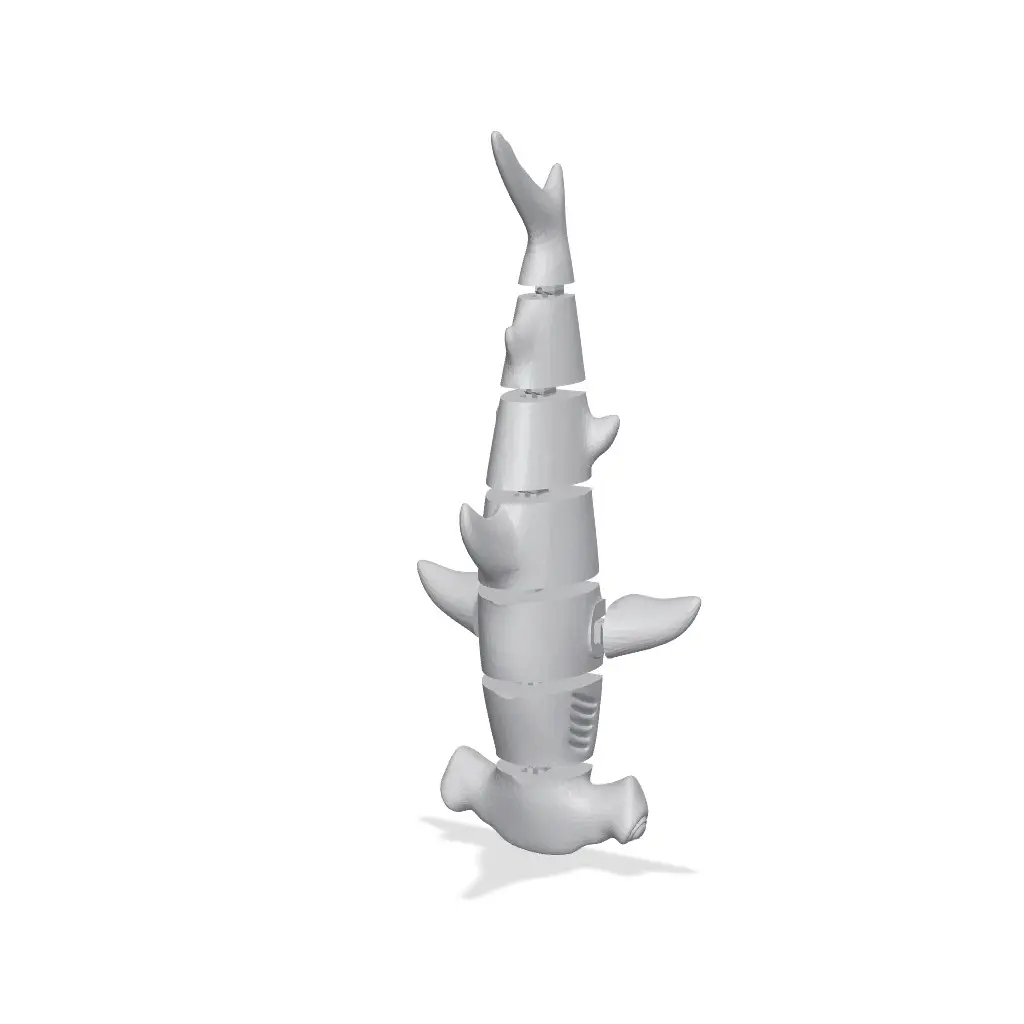
Flexi Transforming Hammerhead Shark
por Grzegorz K en Thangs
Print-in-place model of a Flexi Hammerhead Shark
Thangs entrega los archivos a usuarios con cuenta gratuita
Licencia
Solo uso personalCC BY-NC-ND 4.0 — Atribución, no comercial, sin derivadas
Solo para uso personal, sin modificarlo y dando crédito. No se permite vender ni redistribuir cambios.
Al descargar aceptas respetar la licencia y dar crédito a Grzegorz K.
Archivos (8)
- TransformingHammerhead.stl STL · 820 KB
- TransformingHammerhead_MODIFIER.stl STL · 21 KB
- TransformingHammerhead_Multicolor_black-eyes.stl STL · 23 KB
- TransformingHammerhead_Multicolor_red-mouth.stl STL · 46 KB
- TransformingHammerhead_Multicolor_white-bottom.stl STL · 592 KB
- TransformingHammerhead_Multicolor_white-eyes.stl STL · 33 KB
- TransformingHammerhead_Multicolor_white-teeth.stl STL · 49 KB
- TransformingHammerhead_TEST.stl STL · 29 KB
- Categoría
- Juguetes y juegos
- Formatos
- STL
- Descargas
- 13
- Publicado
Sobre este modelo
Print-in-place model of a Flexi Hammerhead Shark
It transforms from a solid model to a flexi model
The force and tolerances are set like for a kids - but it will also depend on the filament used and print optons
Model can be printed in one color, two color (one filament change) and with 4-6 colors on multicolor printer
---
If you want to sell prints of this model you can join my Commercial Membership with all of my models on Thangs or I can prepare a commercial license for life just for a Shark
---
Printing Tips
Printed with PLA with: 0.1mm and 0.16mm layer height 15% grid infill 3 walls
---
Before printing a Shark print a TEST file to check if your filament and slicer settings are right The force needed to transform the model will depend on the filament used, printer calibration and slicer settings If the force is too low, or its even not holding at all, you can - lower layer height - use an XY compensation (horizontal expansion) with positive values (start with 0.02-0.05) - print slower (you can use a MODIFIER - see below) - or just set the flow a little highier
There is also a MODIFIER file just to change settings of the connectors I used it to slow down the speed of printing the connectors You can also change other settings listed above Just right click on the model and add a modifier, then set it on the same XY position and then change what you want
--
Connectors (on legs and body parts) will be printed 'half-in air' There is a 0.2mm gap between connectors and other parts on Z axis - this works like a self support
---
Multicolor print: Select a TransformingHammerhead and all of MULTICOLOR files and move them to the slicer Click 'yes' when asked if you want to add it as one model - it will merge all the files to one. If there will be no such notification merge them by yourself (select all, right click and merge) Then choose a color for each model
If models are merged you can then duplicate them to fill the bed plate
You can also print it with different bottom color on single color printer Set the filament change right before layers with teeth
---
After a print you will need to break small connections between parts Move parts up and down a little and it will be free to use
---
Descripción original del autor, publicada en Thangs.



