
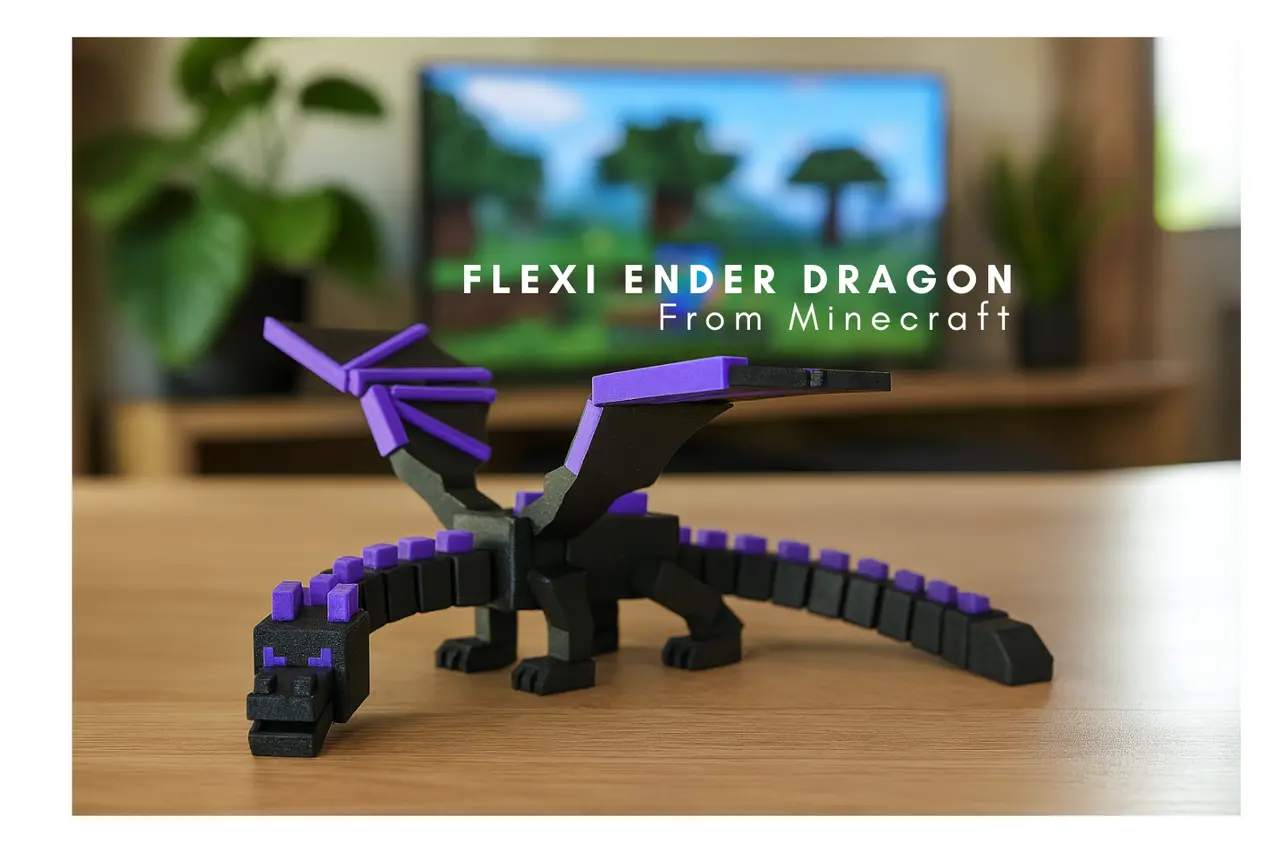
Flexi Ender Dragon Print in PLace | Minecraft Dragon | Lowk Dragon | Flexi Dragon | No Supports
por Lowk en MyMiniFactory
If you want to sell my Enders in your Etsy Shop or any where else please subscribe to my Patreon 'Dealer' tier!
Licencia
Solo uso personalCC BY-NC-SA 4.0 — Atribución, no comercial, compartir igual
Uso personal dando crédito; sin fines comerciales y las modificaciones con la misma licencia.
Al descargar aceptas respetar la licencia y dar crédito a Lowk.
Archivos (35)
- Ender Left Wing Bone V2.stl STL
- Ender Right Wing Bone V2.stl STL
- Ender A Head.stl STL
- Ender Body Horns V6 copy.stl STL
- Ender Body Horns V6.stl STL
- Ender Body V6.stl STL
- Ender Head Horns.stl STL
- Ender Jaw Pin V4.stl STL
- Ender Jaw.stl STL
- Ender Left Wing Solid V6.stl STL
- Ender Left Wing V6 LC.stl STL
- Ender Left Wing V6.stl STL
- Ender Neck:Tail Horns.stl.stl STL
- Ender Neck!.stl STL
- Ender Reg Eyes.stl STL
- Ender Right Wing Solid V6.stl STL
- Ender Right Wing V6 LC.stl STL
- Ender Right Wing V6.stl STL
- Ender Tail!.stl STL
- Ender Wing Base LC V6.stl STL
- Ender Wing Base V6.stl STL
- Ender Wing Pins LC.stl STL
- Ender Wing Pins.stl STL
- LC Ender Body V6.stl STL
- LC Ender Head.stl STL
- LC Ender Jaw Pin.stl STL
- LC Ender Jaw.stl STL
- LC Ender Left Wing Bone.stl STL
- LC Ender Neck.stl STL
- LC Ender Right Wing Bone.stl STL
- LC Ender Solid Head.stl STL
- LC Ender Solid Neck.stl STL
- LC Ender Solid Tail.stl STL
- LC Ender Tail.stl STL
- Solid Ender Body V6.stl STL
- Categoría
- Juguetes y juegos
- Formatos
- STL
- Descargas
- 1,029
- Publicado
Sobre este modelo
If you want to sell my Enders in your Etsy Shop or any where else please subscribe to my Patreon 'Dealer' tier! patreon.com/ProjectLowk
Ender V6 is now available! This version has redesigned wings and body to fix any issues the previous version had with wings not snapping in properly.
Assembly instructions: Snap the Pieces together and use super glue/hot glue at your discretion
Here Is my take on the Ender Dragon from Minecraft. I designed a way for single color Printers to print it out in multiple colors.
Printer Instructions
The Ender Dragon is meant to have tight moving parts. Accent pieces should snap in easily. Depending on the type of printer you have you need to print out the right file.
If you have a Multi- Color Printer and you want to print them using multi-color function Use Files Named ‘Solid’ under ‘Less Clearance Ender’.
If You have a Higher Quality Printer with Excellent Leveling and accurate Dimensions USE ‘LESS CLEARANCE ENDER’ Example: Bambu A1 Printer
If you have a lower quality printer use USE ‘Ender Dragon’ Example: Ender 3 V3 Se
If you Print out ‘Ender Dragon’ and legs are floppy and Joints don’t connect than switch to ‘Less Clearance Ender Dragon’
If you print out ‘Less Clearance Ender Dragon’ and your pieces won’t fit and are too tight then switch to ‘Ender Dragon’
Descripción original del autor, publicada en MyMiniFactory.



