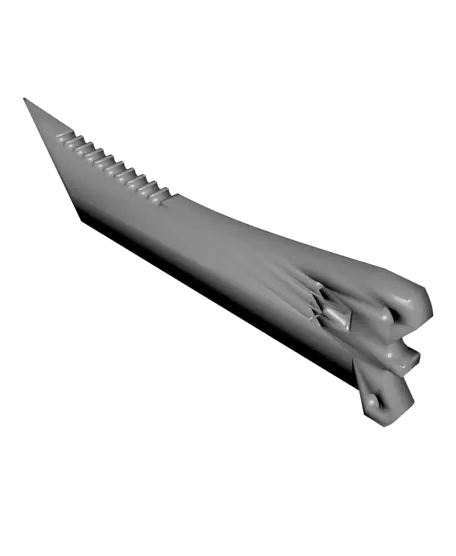
T-MAX Butterfly Knife
So… long story short... my kid is a huge fan of shooter games like Valorant, CS-GO, and Overwatch, and he's been asking me to print him some cool butterfly knives that he's seen in the games (and I did). But I wanted to make something special just for him, you know?
Thangs entrega los archivos a usuarios con cuenta gratuita
Licencia
Revisa las condicioneslicense
El autor usa su propia licencia. Revisa sus condiciones en la página original antes de compartir, modificar o vender.
Al descargar aceptas respetar la licencia y dar crédito a Rui M.
Archivos (12)
- Handle 2.stl STL · 788 KB
- Handle.stl STL · 788 KB
- Lamina.stl STL · 158 KB
- T-Max.3mf 3MF · 478 KB
- 20230505_123019.jpg JPG
- 20230505_123031.jpg JPG
- 20230505_123047.jpg JPG
- 20230505_123057.jpg JPG
- 20230505_123104.jpg JPG
- 20230505_123120.jpg JPG
- 20230505_123140.jpg JPG
- 20230505_123150.jpg JPG
- Categoría
- Cosplay y props
- Formatos
- STL, 3MF, JPG
- Descargas
- 200
- Publicado
Sobre este modelo
So… long story short... my kid is a huge fan of shooter games like Valorant, CS-GO, and Overwatch, and he's been asking me to print him some cool butterfly knives that he's seen in the games (and I did). But I wanted to make something special just for him, you know?
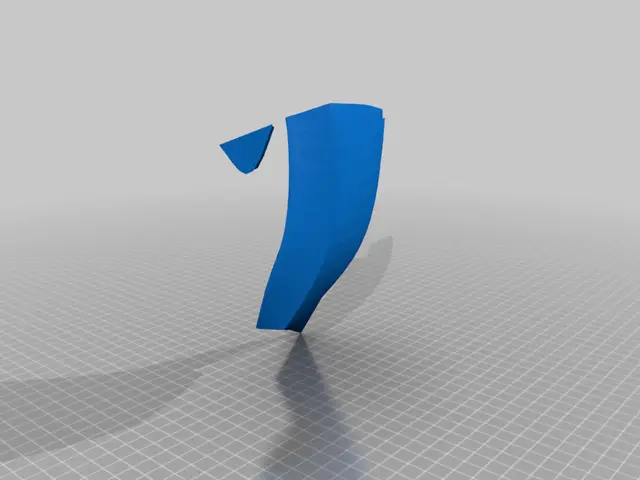
So I came up with this model that's a mix of a bush knife and a butterfly knife. It might not be the most practical thing in the real world, but as a prop and trainer, it's pretty cool.
This is a fully functional butterfly trainer! Here's what you'll need: 2 screws that are 3mm in diameter and 12mm long, and 2 nuts that are also 3mm.
Print Settings: Material: PLA Layer Height: 0.2 Infill: 15% Walls: 3 Supports: No Brim: No Raft: No
All models are print-ready and oriented.
To assemble it, just screw the blade into the handles, but not too tight. The first time you use it, it might be a little tough to move the blade, but don't worry - you just need to "teach" it and make it move until it's nice and fluid. Oh, and don't tighten the blade too much or it'll be harder to move smoothly.
I hope you have fun with this project and your T-Max! If you have any questions or suggestions, hit me up in the comments. And if you wanna support me, give it a like, download it, and share it with your buds. Happy printing!
Descripción original del autor, publicada en Thangs.