
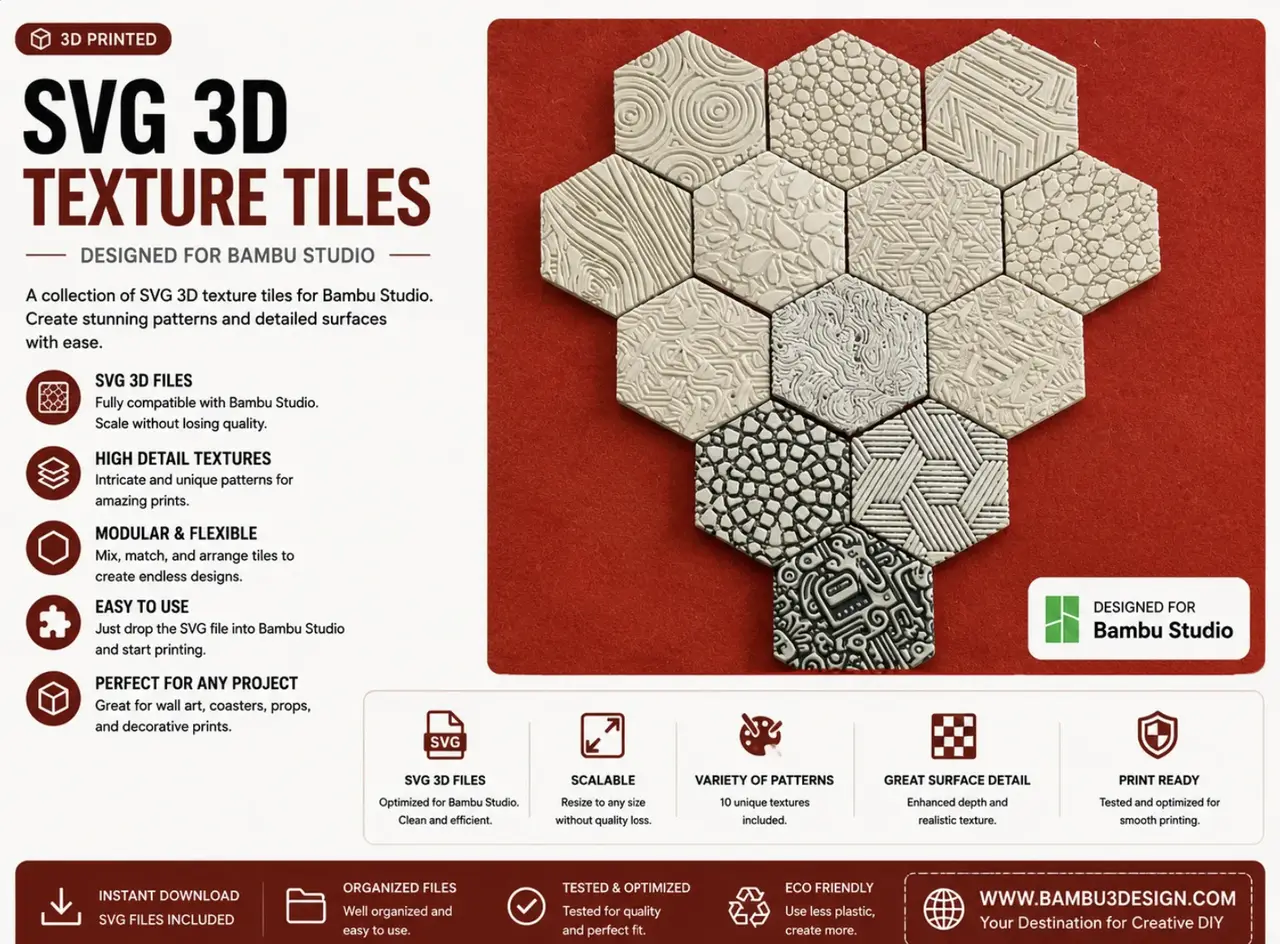
SVG 3D Texture Tiles for Bambu Studio
por Bambu3Design en Printables
Create detailed 3D surface textures from SVG images in Bambu Studio for tiles, coasters, panels, wall art, and custom de
Licencia
Solo uso personalCC BY-NC 4.0 — Atribución, no comercial
Puedes imprimirlo y modificarlo para uso personal dando crédito. No se permite vender las impresiones.
Al descargar aceptas respetar la licencia y dar crédito a Bambu3Design.
Archivos (2)
- Categoría
- Para tu impresora
- Formatos
- 3MF, ZIP
- Descargas
- 59
- Publicado
Sobre este modelo
These textures were created using SVG images in Bambu Studio to demonstrate how simple 2D patterns can be transformed into detailed 3D surface textures. By converting an image to SVG and applying it to a model, you can quickly create unique decorative surfaces for many 3D printing projects such as tiles, coasters, panels, wall art, and custom designs. In this example, the same hexagonal tile was duplicated and different SVG textures were applied to each piece to show how easy it is to generate a wide variety of surface patterns. If you want to learn exactly how to convert images to SVG and apply them as textures step-by-step, you can watch the full tutorial on my YouTube channel. 🎥 Full tutorial: Turn Any Image into 3D Texture in Bambu Studio
In the video I explain: • how to convert images to SVG • how to apply textures on your model • how to control depth and size • how to create custom surface patterns
Descripción original del autor, publicada en Printables.



