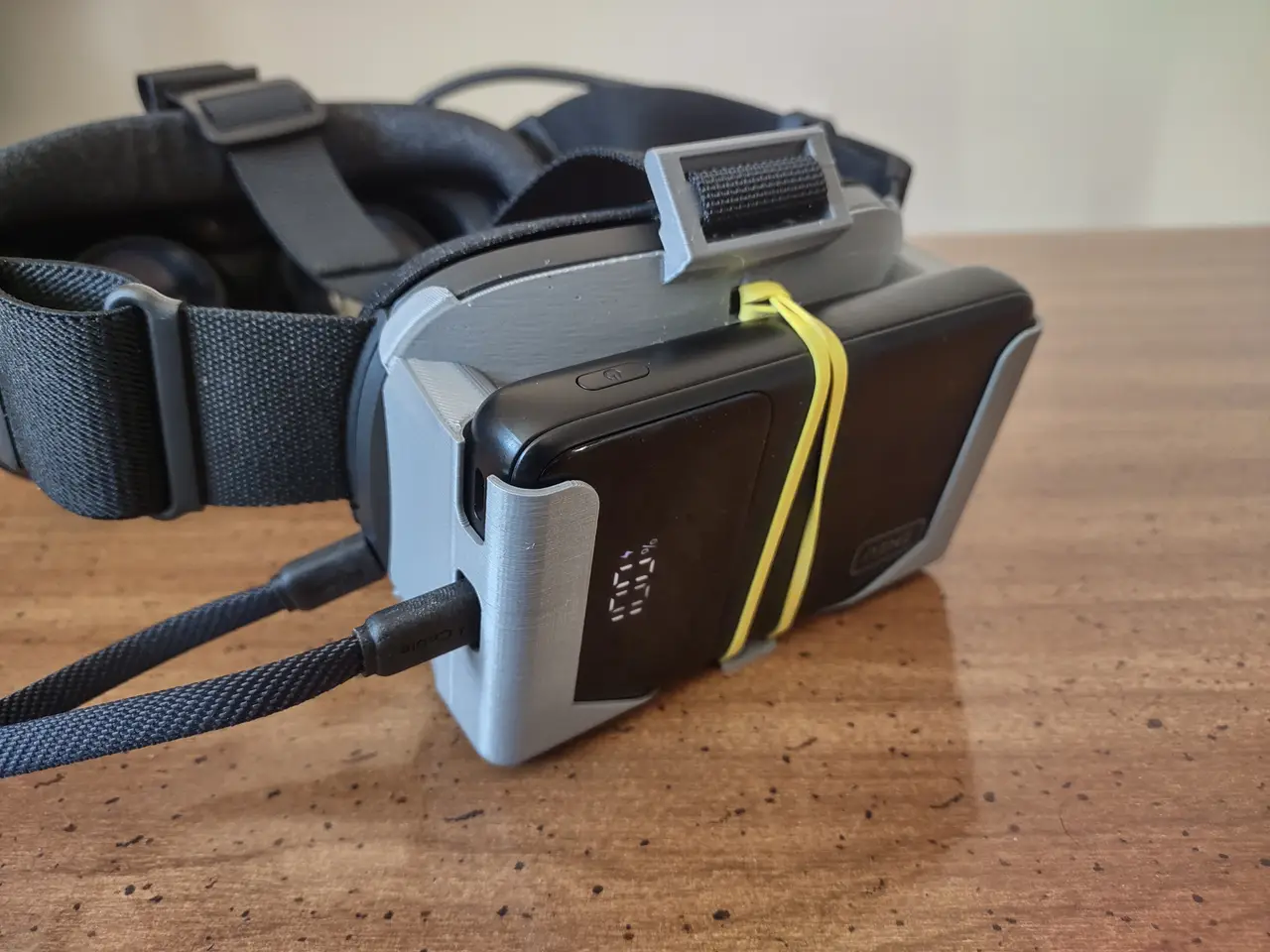
Steam Frame battery mount for INIU P55 with top strap
por BMan en Printables
Lightweight 33g print, requires 1 inch nylon webbing. Battery pack is secured by a rubber band and quickly removable.
Licencia
Solo uso personalCC BY-NC-SA 4.0 — Atribución, no comercial, compartir igual
Uso personal dando crédito; sin fines comerciales y las modificaciones con la misma licencia.
Al descargar aceptas respetar la licencia y dar crédito a BMan.
Archivos (3)
- Categoría
- Tecnología
- Formatos
- STEP, F3D, STL
- Descargas
- 0
- Publicado
Sobre este modelo
Required Hardware - 55 cm length of 1 inch nylon webbing
- Rubber band
Print Settings - 0.2mm layers
- 2 perimeters (with 0.4mm nozzle)
- 10% infill
- No supports (includes built in supports)
The built in supports are 0.4mm wide fins in the belt buckle. Ensure that these are sliced properly. Or, if you can print a 1 inch bridge without sagging, you can just split the model into parts and remove them. Assembly - Remove the support material from the belt buckle and cut off remnants with a utility knife.
- Thread rubber band through the rubber band loop (easier to do this now than when it's attached to the steam frame).
- Fold over one end of the strap and sew it, or melt the end into a blob, so that end won't fit through the bottom slot.
- Insert the thin end of the strap into the bottom slot from above and pull it through to the thick end.
- Remove the padding from the steam frame battery.
- Loop the strap around the steam frame battery and through the belt buckle as shown in the pictures.
- Pull the strap tight and put the padding back on.
- Loop the strap through the front clip from the DIY Top Strap project. I recommend adding a tri-glide here to secure the loose end.
Descripción original del autor, publicada en Printables.