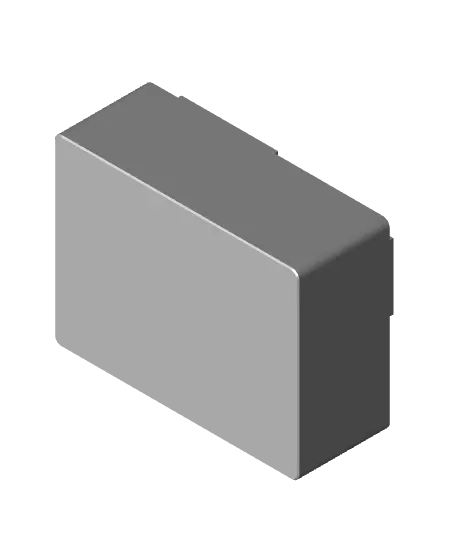
Snap-tab Box (Autodesk Fusion Tutorial)
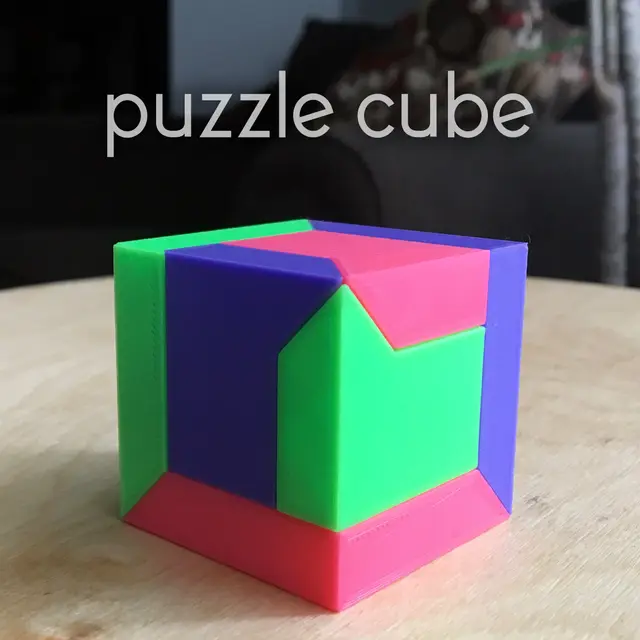
A tutorial model demonstrating how to model snap-tabs in Autodesk Fusion for glue-free and zero hardware assembly.
Thangs entrega los archivos a usuarios con cuenta gratuita
Licencia
Uso comercial permitidoPuedes imprimirlo, modificarlo y venderlo sin pedir permiso ni dar crédito.
Al descargar aceptas respetar la licencia y dar crédito a 3D P.
Archivos (3)
- Snap-tab Box.step STEP · 109 KB
- Snap-tab Box.stl STL · 44 KB
- Snap-tab Box.f3d F3D
- Categoría
- Educación
- Formatos
- STEP, STL, F3D
- Descargas
- 163
- Publicado
Sobre este modelo
A tutorial model demonstrating how to model snap-tabs in Autodesk Fusion for glue-free and zero hardware assembly.
Once closed, this box will not open again without extreme measures.
Printing - Print two copies for a complete box - No supports or brim required - Avoid brittle filaments - the tabs must flex slightly during assembly
Assembly - Line up two copies of the print so that the raised tabs on one side line up with the recesses on the other end. - Press body prints together. Use a clamp if necessary.
Can I sell copies of this?
Yes! This project was shared under the Creative Commons - Public Domain (https://creativecommons.org/publicdomain/zero/1.0/) license.
This license grants you permission to download, distribute, alter, print, and sell copies of this design.
This license applies only to the model files (STL, 3MF, STEP, F3D) included in this project. It does not apply to photos, videos, my logo, or other supplemental graphics attached to or displayed with this project.
_Attribution Text_
This license does not require attribution. But if you choose attribute my work, feel free to use the following text.
"Snap-tap Box" (https://3dprinty.xyz/project/144) is designed by 3D Printy (https://3dprinty.xyz) and shared under a Creative Commons Public Domain (CC 0 1.0) license (https://creativecommons.org/publicdomain/zero/1.0/).
Descripción original del autor, publicada en Thangs.