
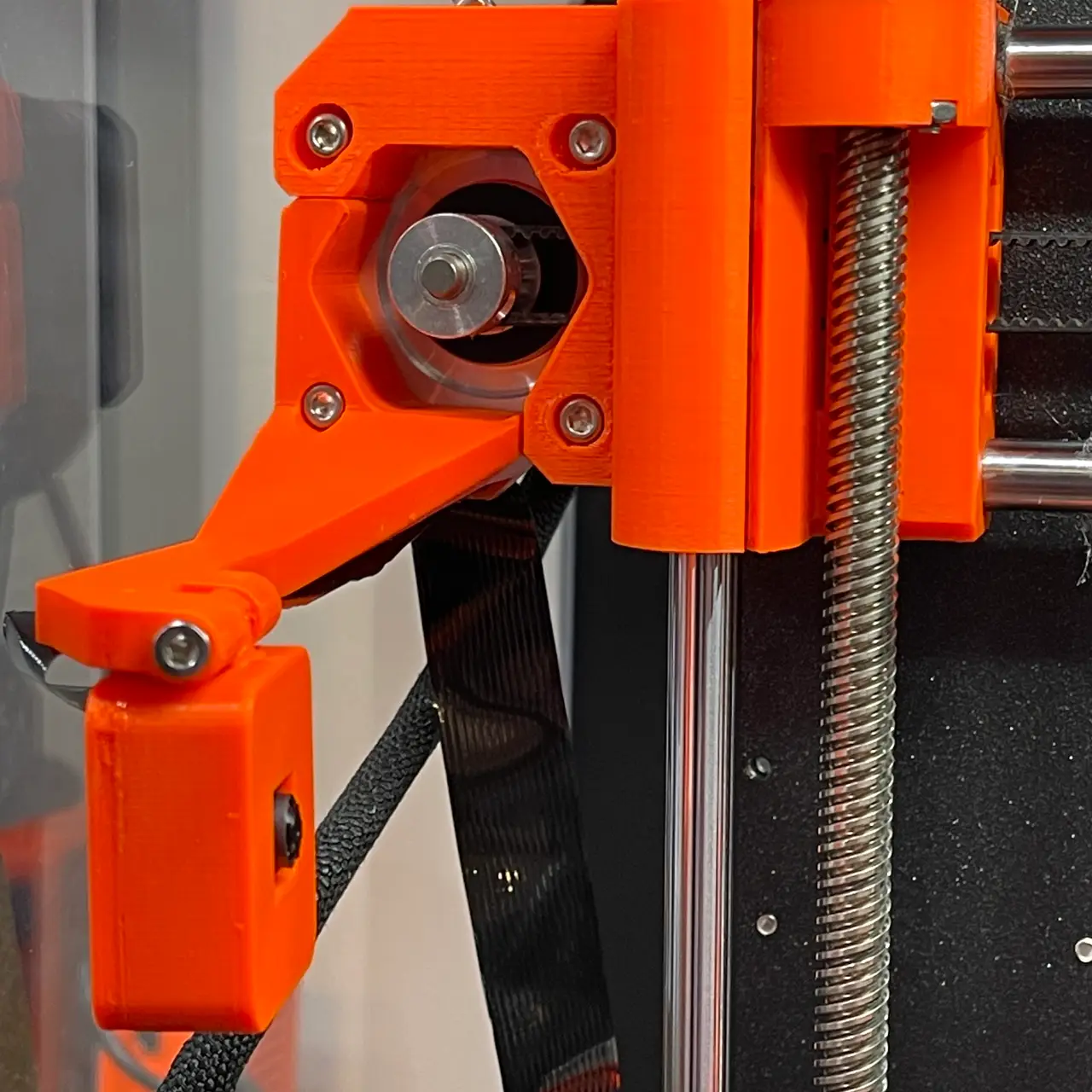
Raspberry Pi Camera Mount for Mk3S(+)
por fuchsr en Printables
X-axis mount for Raspberry Cam v2
Licencia
Solo uso personalCC BY-NC-SA 4.0 — Atribución, no comercial, compartir igual
Uso personal dando crédito; sin fines comerciales y las modificaciones con la misma licencia.
Al descargar aceptas respetar la licencia y dar crédito a fuchsr.
Archivos (5)
- Categoría
- Para tu impresora
- Formatos
- STL, STEP
- Descargas
- 1,078
- Publicado
Sobre este modelo
Most of the time I use a Wyze cam to monitor print jobs (mount) but I also want a close-up view of the nozzle, for troubleshooting. I have tried a few of the various Pi cam mounts for the Mk3S but they were either bed, not x-axis, mounted, bulky, didn't give me the angle I was looking for, or didn't fit my camera (v2 with square around the lens). So I designed my own, by blending SethBon's mount for the Logitech C270 and P4ckit's camera module, plus some extra home-grown ingredients. Print settings Print at 0.15mm layer height. I didn't use supports, but it may not be a bad idea to paint some small support under the hinge of the Cam Body. Hardware 2 x M3x12 bolts -- to attach the Cam Body to the Mount. 1 x M3x18 bolt – to attach the mount to the X-axis motor
Mk3S+ version: Disclaimer: I have upgraded my extruder to the Mk3S+ version, but not the x-axis (which works perfectly as is), so I can't actually test the MK3S+ version myself. I designed the elongated screw hole for the M3S+ solely by copying from other designs. If you like what I'm doing… … consider buying me a coffee or joining my Club.
Descripción original del autor, publicada en Printables.



