
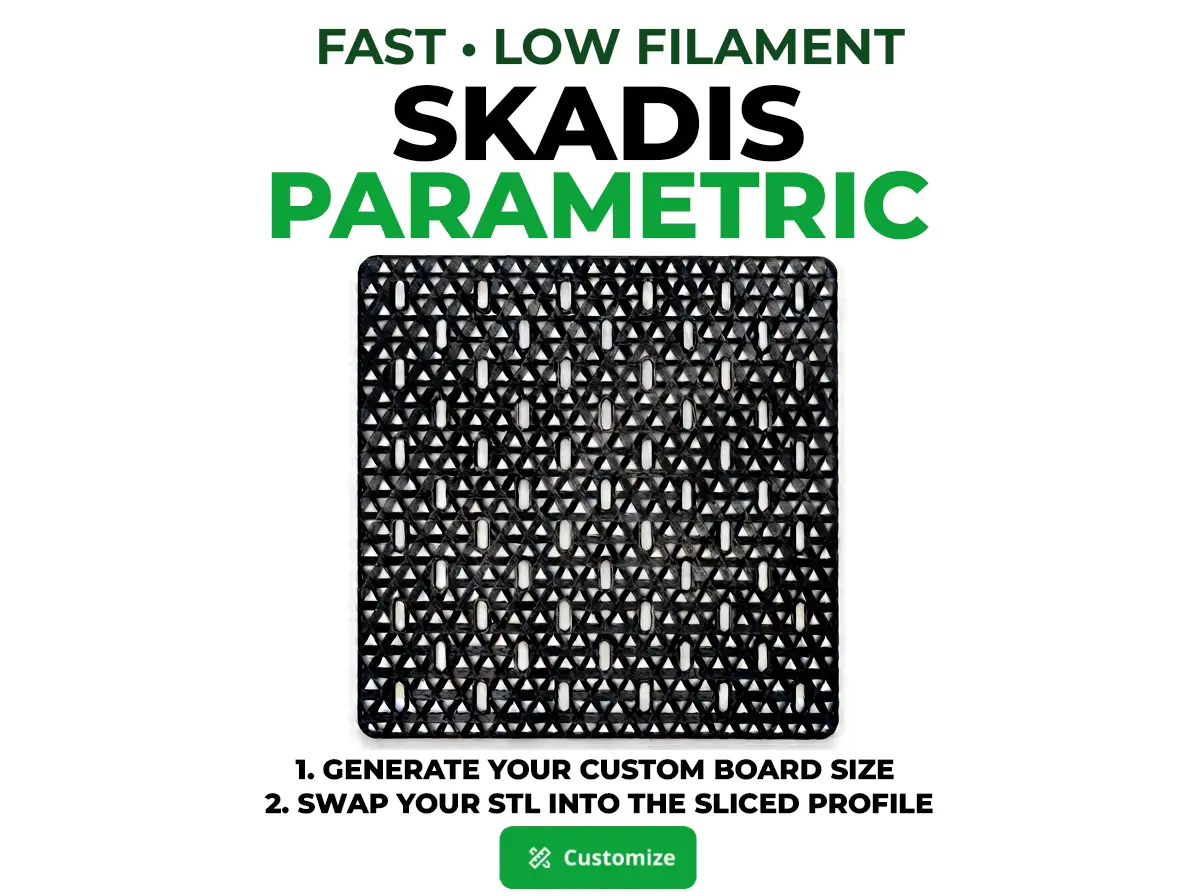
Parametric SKADIS Fast Low Filament -Generate&Swap
por 3Z3D en MakerWorld
Boost MeLike this Parametric Skadis Low Filament Board? Boost! HOW TO GENERATE AND SLICE YOUR FAST LOW FILAMENT SKADIS BOARD:
MakerWorld entrega los archivos a usuarios con cuenta gratuita
Licencia
Solo uso personalStandard Digital File License
Licencia estándar de archivos digitales: solo uso personal. No se permite compartir, revender ni subir el archivo a otros sitios, ni vender las impresiones.
Al descargar aceptas respetar la licencia y dar crédito a 3Z3D.
Archivos (1)
- SKADIS Fast Low Filament.scad SCAD · 5 KB
- Categoría
- Herramientas
- Formatos
- SCAD
- Descargas
- 43
- Publicado
Sobre este modelo
Boost MeLike this Parametric Skadis Low Filament Board? Boost! HOW TO GENERATE AND SLICE YOUR FAST LOW FILAMENT SKADIS BOARD:
- Generate your board - Open the Parametric Model Maker, choose your columns and rows, and download the STL.
- Open the example profile. On this page, open the print profile closest to your size in Bambu Studio. That loads the tested settings for walls, infill and layers.
- Swap in your board. Right-click the board on the plate, choose Replace with STL, and pick your downloaded file. The slicer settings stay as they are.
- Check it fits. Make sure the board fits your printer’s bed. If your printer differs from the profile’s, Bambu Studio asks whether to keep or convert the settings. Choose to keep the process settings.
- Slice and print.
P1S full plate: For a full-plate board (6 × 6, 240 × 240 mm), set Corner radius to 25 mm in the generator. With the default 10 mm corners, the board won’t clear the P1S’s restricted corner areas.
Wanted a Fast and Low Filament Ikea Skadis Board Genereator so made and sliced this.
Descripción original del autor, publicada en MakerWorld.



