
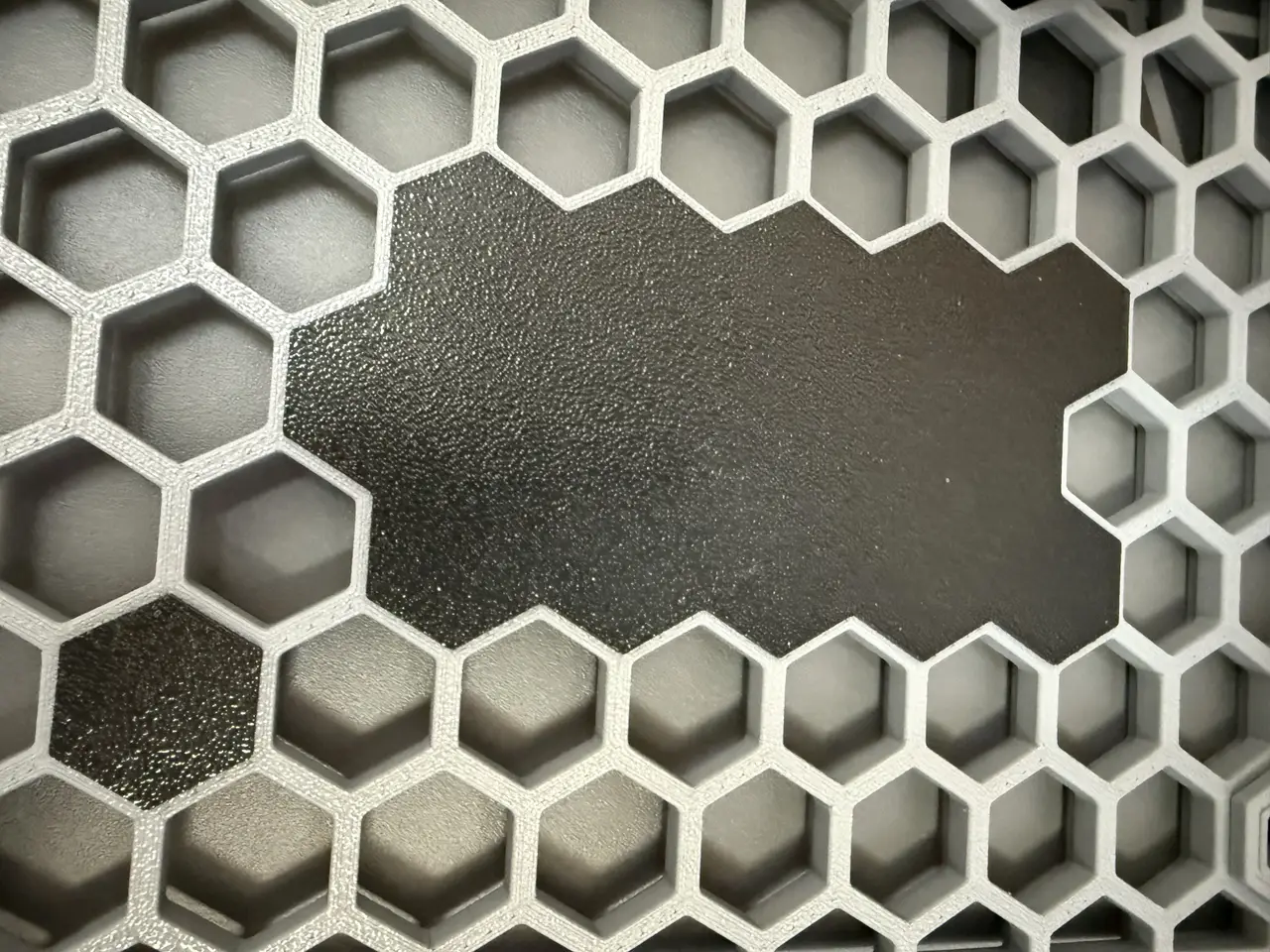
Parametric HSW Cover Panel
por DimDaDesign en MakerWorld
Cover unused sections of your Honeycomb Storage Wall with a panel made to fit. Click Customize to choose the number of columns and rows. The outline follows the hexagonal grid, and the clips are built into the back. No separate fasteners are needed.
MakerWorld entrega los archivos a usuarios con cuenta gratuita
Licencia
Solo uso personalStandard Digital File License
Licencia estándar de archivos digitales: solo uso personal. No se permite compartir, revender ni subir el archivo a otros sitios, ni vender las impresiones.
Al descargar aceptas respetar la licencia y dar crédito a DimDaDesign.
Archivos (1)
- HSWBlende_MakerWorld_SingleColor.scad SCAD · 29 KB
- Categoría
- Herramientas
- Formatos
- SCAD
- Descargas
- 0
- Publicado
Sobre este modelo
Cover unused sections of your Honeycomb Storage Wall with a panel made to fit.
Click Customize to choose the number of columns and rows. The outline follows the hexagonal grid, and the clips are built into the back. No separate fasteners are needed.
Clip spacing can be adjusted separately around the edges and across the middle. The default is four grid steps, which leaves three plain cells between clips. In most cases, wider spacing without intermediate clips also works. Add more clips where the panel needs extra support or does not sit flat.
To install, align the clips with the wall and press them into place one section at a time. When engaging several cells in sequence, you may need to bend the panel slightly so the next clips can line up and snap in.
The outer outline is inset by 0.1 mm by default to provide clearance beside other HSW parts. This setting changes the outer edge without changing the cell spacing or clip size.
Print with the closed face on the build plate and the clips pointing upwards. Remove any loose filament strands from the clips before installation.
The photos show a printed panel installed in an HSW grid.
Descripción original del autor, publicada en MakerWorld.



