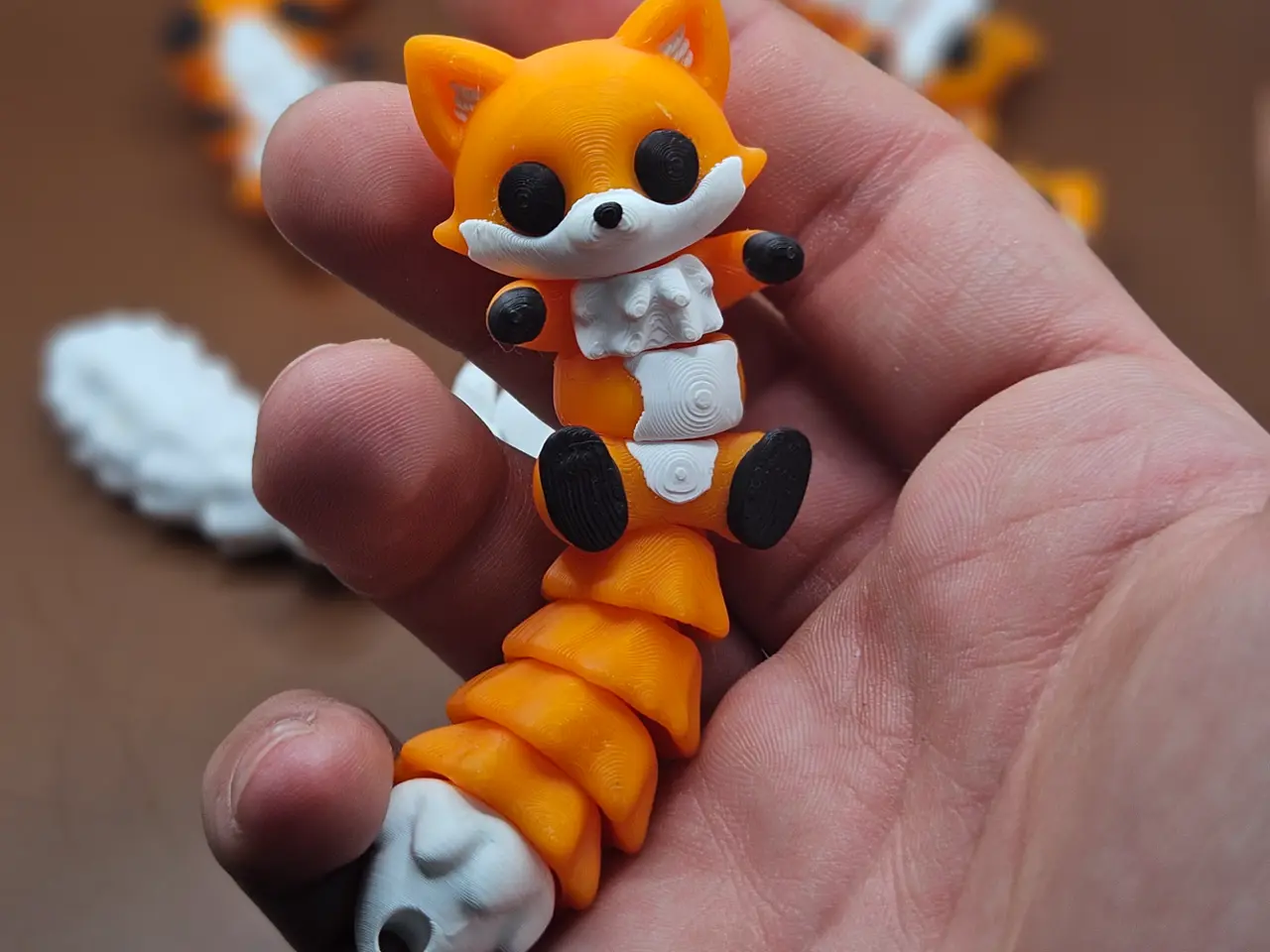
Moxxie – Flexi Fox Keychain & Fridge Magnet
por Taymor en MakerWorld
MembershipSubscribe to get a commercial print license and sell physical prints of my designs. Your support helps me continue creating new models.Boost MeBOOST BOOST BOOST BOOST BOOST BOOST BOOST BOOST Description
MakerWorld entrega los archivos a usuarios con cuenta gratuita
Licencia
Solo uso personalStandard Digital File License
Licencia estándar de archivos digitales: solo uso personal. No se permite compartir, revender ni subir el archivo a otros sitios, ni vender las impresiones.
Al descargar aceptas respetar la licencia y dar crédito a Taymor.
- Categoría
- Miniaturas
- Descargas
- 13,431
- Publicado
Sobre este modelo
MembershipSubscribe to get a commercial print license and sell physical prints of my designs. Your support helps me continue creating new models.Boost MeBOOST BOOST BOOST BOOST BOOST BOOST BOOST BOOST Description Moxxie is a cute articulated flexi fox designed for easy 3D printing. The model can be used as a keychain or a fridge magnet, depending on the parts you choose. This updated version is easier to print and use. The eyes are now attached to the body, so there is no need to print or assemble the eyes separately. The model prints ready to use, works great with multi-color setups, and is designed to be simple, fun, and functional. This version is also more optimized for AMS printing and uses less wasted filament compared to the older detached-eyes version. Updated Improvements
- Eyes are now attached to the body
- No eye assembly needed
- Less AMS filament waste compared to the old version
- Improved tail connection for an easier fit
- Tail can now be adjusted in the slicer before printing
- Prints without supports
Printing Notes
- If you do not want a magnet hole, remove “MAGNET HOLE” from the Objects tab.
Magnet Hole Adjustment The magnet hole is designed for an 8mm × 3mm magnet. To use a different magnet size (10mm recommended), follow these steps:
- Go to the Objects tab and select the “MAGNET HOLE” modifier. (Delete this modifier if you do not want a magnet hole.)
- Select the Scale tool and change the Size dimensions to match your magnet (turn off Uniform Scale to adjust the dimensions separately), adding +0.1 mm to each dimension to ensure a tight press-fit.
Boost Me Other Designs
Descripción original del autor, publicada en MakerWorld.