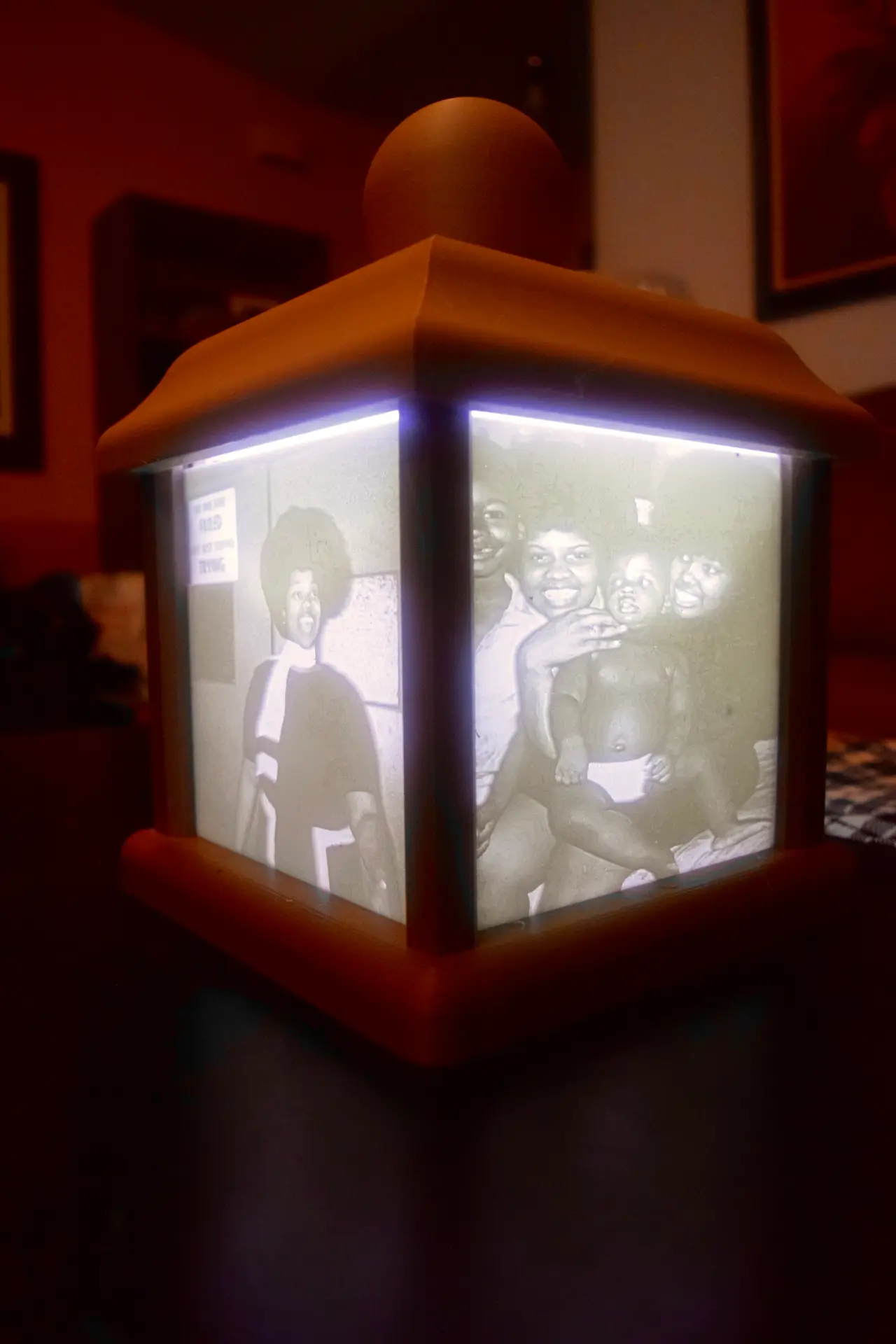
Lithophane Box
por Chris Bobo en MyMiniFactory
A box used to display four lithophane panels.
MyMiniFactory entrega los archivos a usuarios con cuenta gratuita
Licencia
Solo uso personalMyMiniFactory - Credit - Remix - Noncommercial
Licencia de MyMiniFactory: puedes imprimirlo y remezclarlo dando crédito, sin fines comerciales.
Al descargar aceptas respetar la licencia y dar crédito a Chris Bobo.
Archivos (2)
- lithboxbase.stl STL
- lithboxtop.stl STL
- Categoría
- Figuras y arte
- Formatos
- STL
- Descargas
- 948
- Publicado
Sobre este modelo
A box used to display four lithophane panels.
Instructions and Requirements Part 1. The only purchase you will need for this project is a 9 led light and three AAA batteries. You should be able to find both of these at Walmart.
Instructions and Requirements Part 2. Jpeg to Lithophane. I used this website http://3dp.rocks/lithophane/ to convert images into an stl file. Before converting selected images to stl files, make sure that the images are a size of 632x600 pixels. It is very important that the images selected are this size, as the lithophanes will not fit after printing.
When uploading your selected images to http://3dp.rocks/lithophane/, click on the Settings icon on top of the page then on Model Settings and change the Maximum Size (MM) to 150. Next, click on Image Settings. You should then see settings for positive and negative image at the near top of the page. Make sure you have the positive image setting selected. When you are sure that all of your settings are correct, click on the Model icon on top of the page to start converting your image to an stl file.
Instructions and Requirements 3. Printing Printing the top of the lithophane box requires support material. I printed the lithophanes flat on the print surface, with a speed of 10mm/s with a layer height of .1mm hot end temp of 220 degrees bed temp 45 degrees with 100% infill.
Descripción original del autor, publicada en MyMiniFactory.