
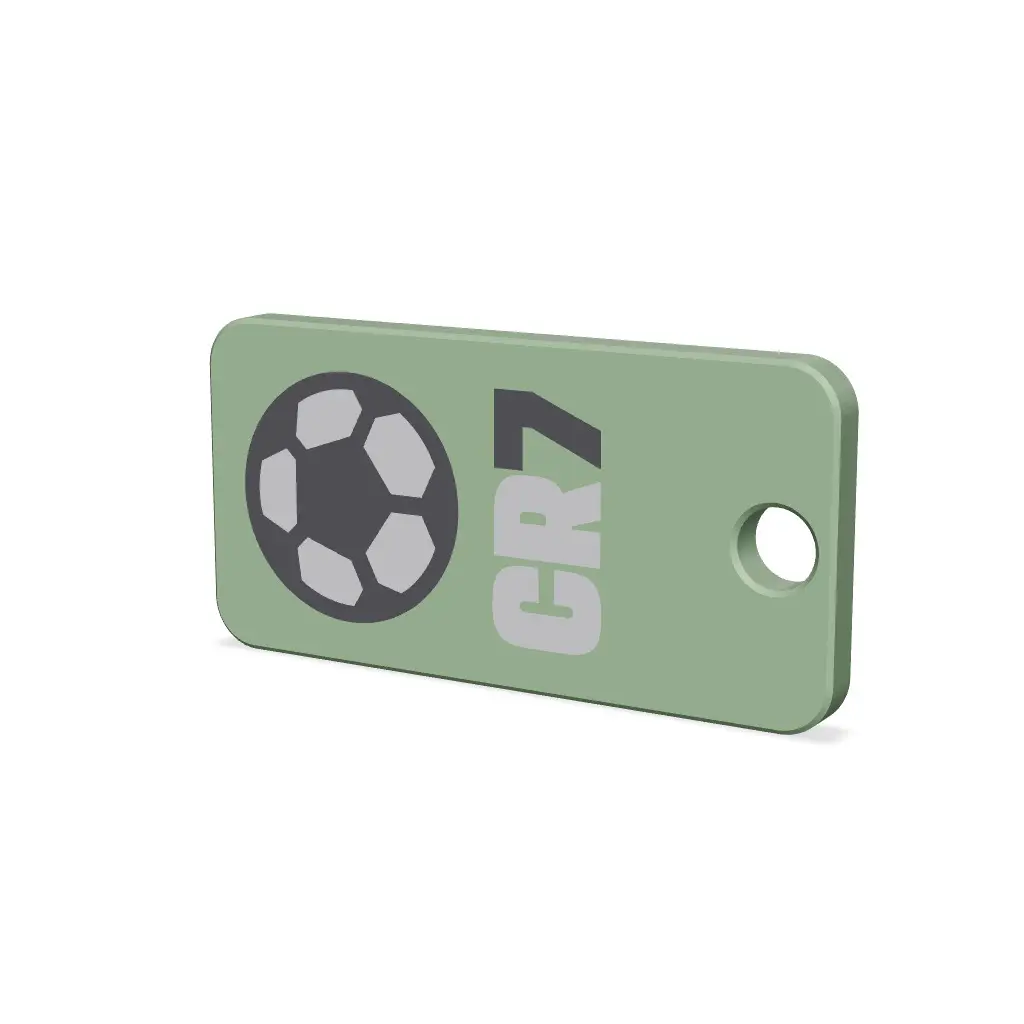
Keychain Whistle
A small, flat whistle designed to attach to your keys – a great addition to a backpack or bag, or a handy safety accessory for hikes, school, or biking trips.
Thangs entrega los archivos a usuarios con cuenta gratuita
Licencia
Solo uso personalSin licencia indicada
El autor no indicó una licencia: todos los derechos le pertenecen. Úsalo solo para imprimir en casa y consulta al autor para cualquier otro uso.
Al descargar aceptas respetar la licencia y dar crédito a Jakub L.
Archivos (2)
- Whistle Ball.3mf 3MF · 203 KB
- Whistle.3mf 3MF · 73 KB
- Categoría
- Herramientas
- Formatos
- 3MF
- Descargas
- 4
- Publicado
Sobre este modelo
A small, flat whistle designed to attach to your keys – a great addition to a backpack or bag, or a handy safety accessory for hikes, school, or biking trips.
Dimensions - Size: 54 × 27 × 4 mm - Corner radius: R4 - Keyring hole: Ø6 mm - Weight: a few grams depending on material (thin-walled, hollow model)
The whistle is designed as a thin hollow part with an internal channel that works on the principle of a classic "pea-less" whistle – just blow into the opening and the sound is produced by resonance in the narrow internal channel running along the length of the body.
Material and printing
The model has been dialed in and tested on Bambu Lab H2D and H2C printers, using: - Prusament PETG - Prusament PLA
Due to the thin walls and internal channels (bridges), the standard slicer settings need slight adjustments so the bridges don't sag and the whistle actually whistles after printing.
Recommended print settings
Parameter | Value Layer height | 0.20 mm Nozzle | 0.40 mm Wall generator | Arachne Bridge flow | 1.4 Bridge speed | 10 mm/s Bridge direction | 180 (bridges print along the length of the whistle) Top layers | 4 Bottom layers | 4 Infill | 15% gyroid
Tip for printing with custom text/logo
If you add your own image or text via SVG directly in the slicer, I recommend increasing the first layer flow to 1.2 – the exact value may vary depending on your printer, so it's worth testing on a small sample first.
For the best result, print the part with the graphic facing down toward the build plate (i.e., upside down) – the surface touching the bed tends to come out smoother, giving sharper detail on the image/text.
Descripción original del autor, publicada en Thangs.



