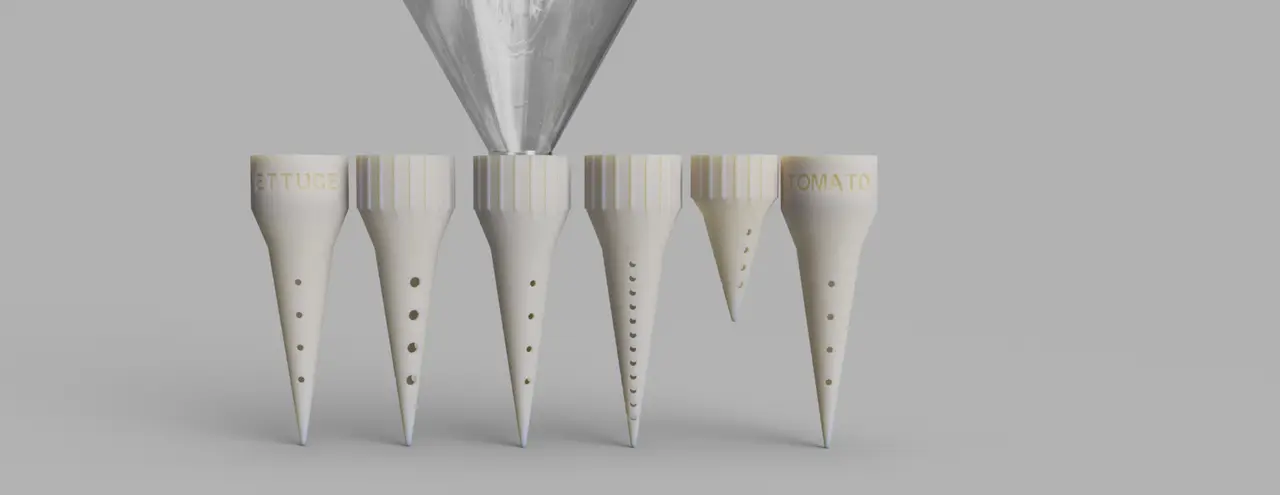
Fully Customizable PET Bottle Watering Spike/Plant Label
por Joseph Clarke en Printables
Why not re-use those old PET drink bottles you have around and make a watering spike!
Licencia
Uso comercial permitidoCC BY-SA 4.0 — Atribución, compartir igual
Puedes usarlo y modificarlo dando crédito; las versiones modificadas deben compartirse con la misma licencia.
Al descargar aceptas respetar la licencia y dar crédito a Joseph Clarke.
Archivos (10)
- Water Spike.scad SCAD · 5 KB
- NecksCaps.scad SCAD · 5 KB
- 28PCO1881_Pre_Rendered.stl STL · 1,1 MB
- Spike_Big_Holes.stl STL · 2,8 MB
- Spike_Mini.stl STL · 2,7 MB
- Spike_Tomato.stl STL · 3,0 MB
- Default_Spike.stl STL · 2,7 MB
- Spike_Lettuce.stl STL · 2,9 MB
- Spike_Lots_Of_Holes.stl STL · 4,5 MB
- Default With Lip (Temporary).stl STL · 720 KB
- Categoría
- Jardín
- Formatos
- SCAD, STL
- Descargas
- 11,364
- Publicado
Sobre este modelo
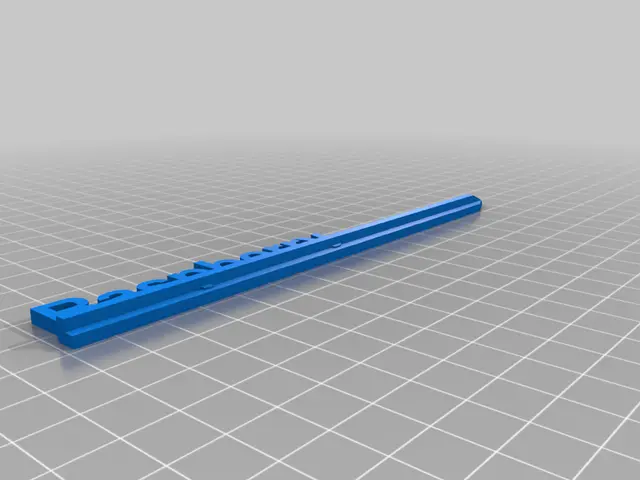
Introduction Wasn't happy with the selection of water spikes out there so decided to create my own to fit whatever needs you may have! And while you're at it why not have it double as a plant label! This spike can be printed in as little as 30 minutes with just 6 grams of filament (that's less plastic than the bottle itself!). And due to it's customizable nature it can fit into a pot or garden bed of any size and can have smaller or larger holes to suite plants with different water requirements.
How To Make! - Get a PET bottle (the kind you get soda in) of whatever size you'd like (as long as it uses the standard PCO1881 thread). - Generate your model (or use one of the included example models), plop the stl into your slicer of choice in the orientation it defaults to, print at 0.3mm of better layer height, no need for supports! - Print away - Screw the bottle into the spike - Stick in a pot or garden bed and enjoy (I'm sure your plants will enjoy it too!)
Note: To customize the model you will need openscad, simply download the version for your platform of choice, place all the downloaded files into one folder, open “Water Spike.scad” and use the drop down boxes on the left labeled “Advanced” and “Basic” to open up the options, once you're done setting things how you want press “F6” to render and then click “File>Export>Export As STL” and save the model to wherever you'd like. Happy printing!
Feel free to comment with any issues or feature requests you have, I'm always happy to help.
Descripción original del autor, publicada en Printables.