
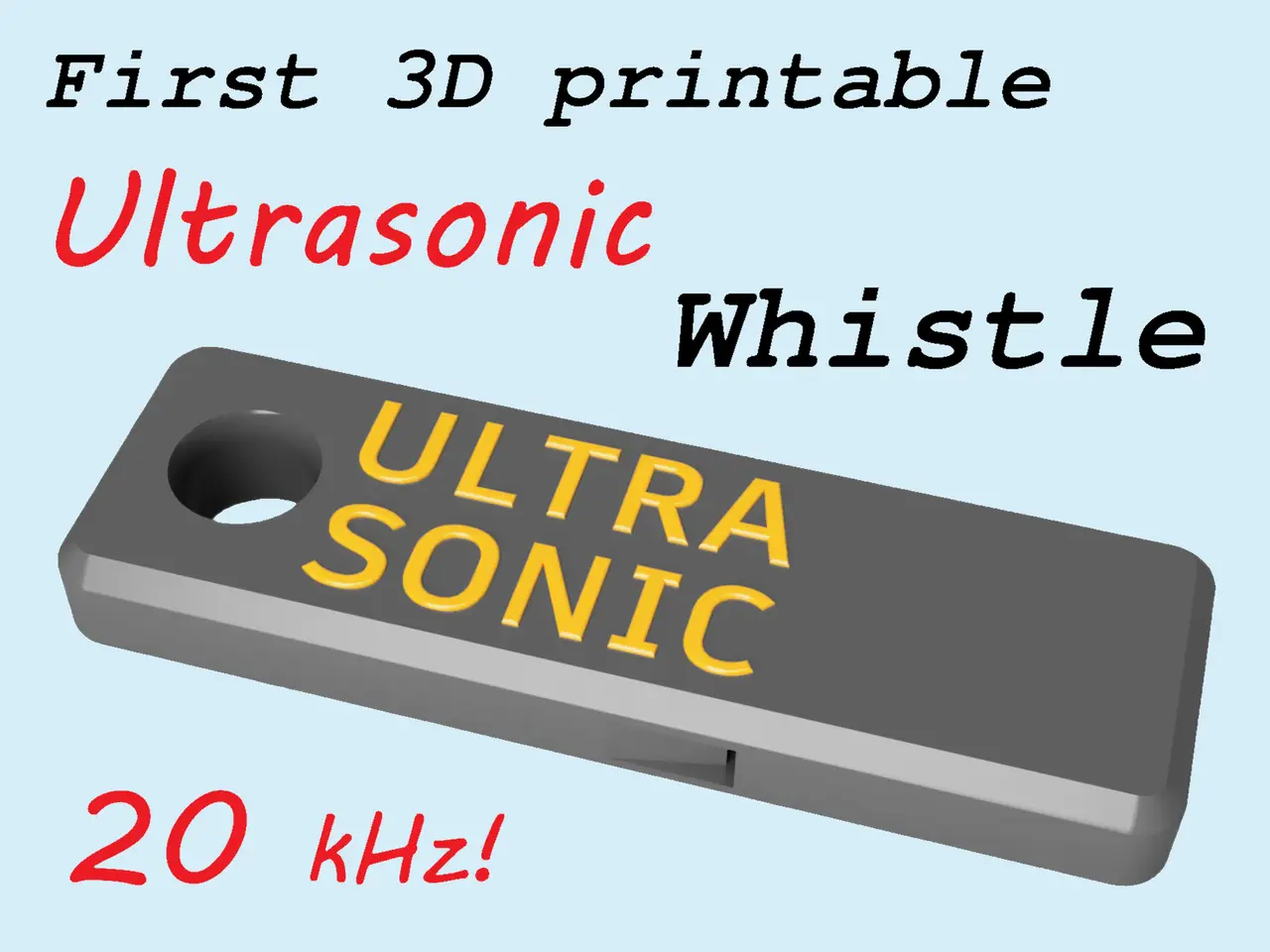
First 3d printable Ultrasonic Whistle
por ThreeD-Michael en Printables
I proudly present the first working 3D printable Ultrasonic Whistle.
Licencia
Solo uso personalStandard Digital File License
Licencia estándar de archivos digitales: solo uso personal. No se permite compartir, revender ni subir el archivo a otros sitios, ni vender las impresiones.
Al descargar aceptas respetar la licencia y dar crédito a ThreeD-Michael.
Archivos (2)
- Categoría
- Tecnología
- Formatos
- STL
- Descargas
- 5,479
- Publicado
Sobre este modelo
News 2024-03-17: My newest whistle design, a Long Range Dog Whistle at 7,000 Hz. Please download here. News 2024-01-21: I designed an ultrasonic dog whistle with an even higher pitch of 23 kHz, which you can download here.
After a lot of fine work and countless test prints, I proudly present the first reliably functioning 3D printable Ultrasonic Whistle. With a powerful blow, it breaks the barrier of 20 kHz that separates ultrasound from “normal” sound. You'll probably think that this whistle isn't working - but that's because humans (especially as they get older) hear higher tones less loudly or not at all - unlike many animals! I therefore recommend a frequency measurement app for testing. I use this android app. WARNING: This whistle is not a toy! It's very loud which can harm the ears, so please protect your ears and don't use it near other people or animals! How to print: First of all: this whistle has very small structures inside - corresponding to the short wavelength of ultrasonic sound. For successful printing, your printer should be well calibrated and work precisely. Use a line width of 0.4 mm and a layer height of 0.2 mm, 8 top layers and 8 bottom layers. The whistle requires correct positioning of the Z-seam - it shouldn't be placed in the narrow air passages inside the whistle. The Z-seam should be positioned as shown in the last 2 images above. Use the “Z Seam Alignment: User specified” option in Cura or the "Seam Painting" option in PrusaSlicer and Bambu Studio to achieve this. If you want a dual color print, change color at layer 29. Print slowly to achieve sharp edges!
Descripción original del autor, publicada en Printables.



