
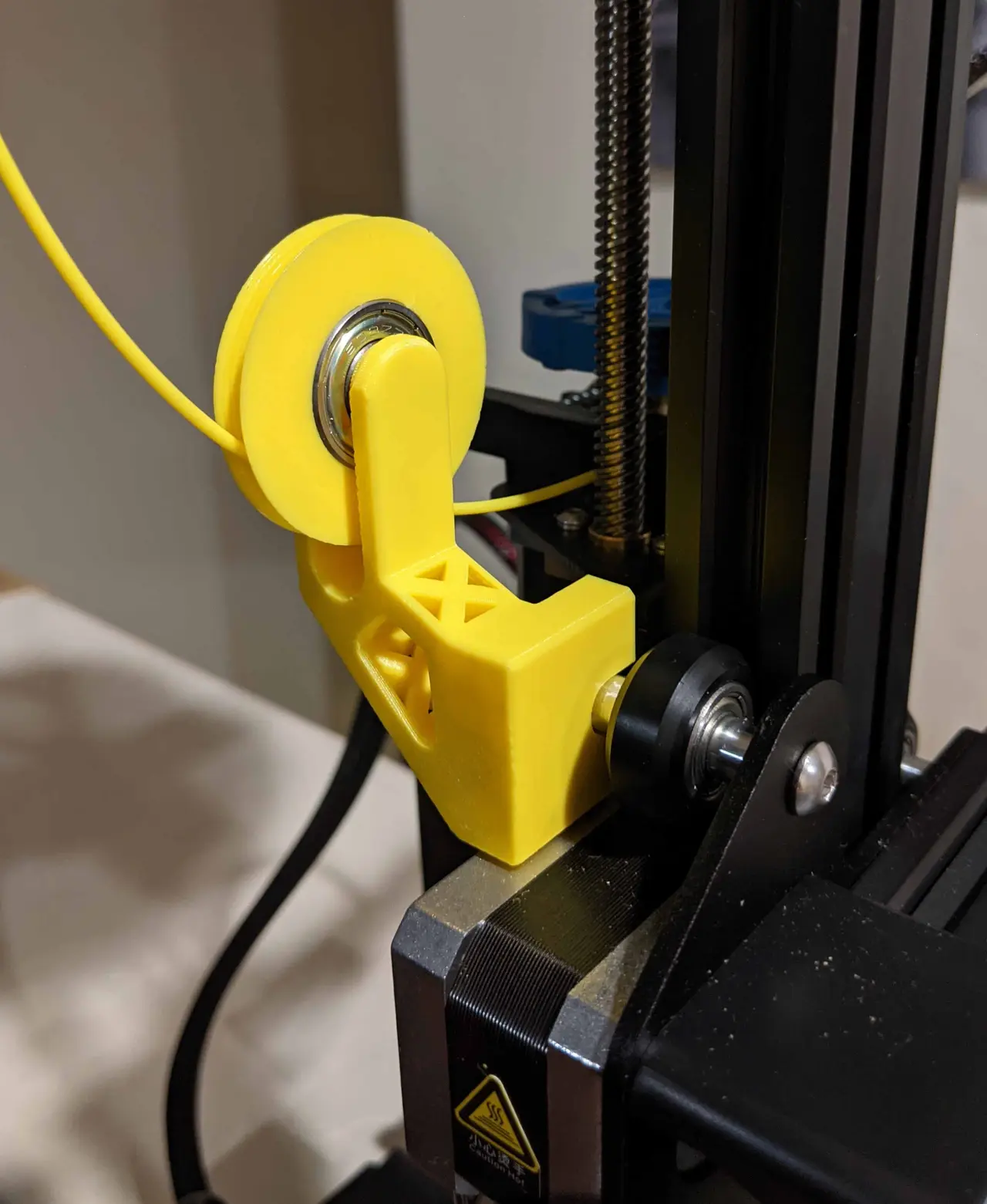
Ender 3 and 3 V2 Filament Guide - GO BIG - No Screws - No Supports
por Mark Villela en Thingiverse
No supports No Screws (all parts and installation are just a simple press fit) The extra deep groove dominates even the most unruly of filaments! STL and FreeCAD files provided For Ender 3 and Ender 3 V2 The bracket is just a press-fit onto the z-carriage, with moderate effort until it is seated...
Licencia
Uso comercial permitidoPuedes imprimirlo, modificarlo y venderlo sin pedir permiso ni dar crédito.
Al descargar aceptas respetar la licencia y dar crédito a Mark Villela.
Archivos (6)
- Categoría
- Para tu impresora
- Formatos
- STL, FCSTD, ZIP
- Descargas
- 31,319
- Publicado
Sobre este modelo
No supports No Screws (all parts and installation are just a simple press fit) The extra deep groove dominates even the most unruly of filaments! STL and FreeCAD files provided For Ender 3 and Ender 3 V2 The bracket is just a press-fit onto the z-carriage, with moderate effort until it is seated. Firmly push the bracket all the way onto the Z-axis carriage (the cutouts wrap around the axle spacer and nut). The 2 half-rings are a press-fit onto the bearings. You can just use your hand, but I found that using a flat surface helps to press the parts nicely onto the bearing. You will need a 608 bearing (one of the most commonly available bearings, used for skateboard wheels and other things). When installing on the printer, make sure that the Ender 3 (or V2) nut has one of its flat sides at the top. This will give you the clearance for a nice snug fit. UPDATE: To help with modifications, in addition to the FreeCAD (original) files, I've included STEP files.
Descripción original del autor, publicada en Thingiverse.



