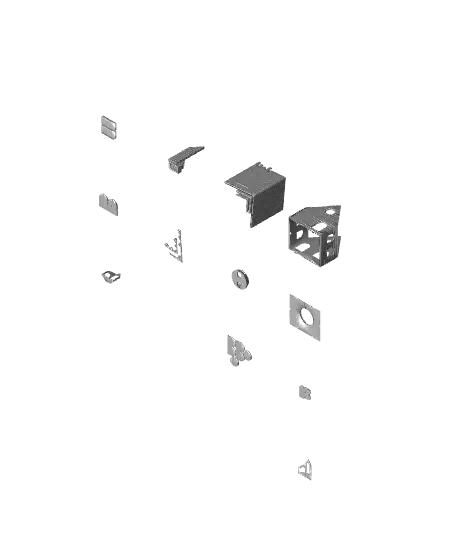
Cute Cottage - Village House - Lamp
Introducing the next model in my village lineup!
Thangs entrega los archivos a usuarios con cuenta gratuita
Licencia
Revisa las condicionesModel License 10-2025
El autor usa su propia licencia. Revisa sus condiciones en la página original antes de compartir, modificar o vender.
Al descargar aceptas respetar la licencia y dar crédito a Eric P.
Archivos (14)
- Cute Cottage.3mf 3MF · 875 KB
- Doorknobs.stl STL · 33 KB
- Doors.stl STL · 219 KB
- Lamp Kit Cap.stl STL · 249 KB
- Lamp Kit Interface.stl STL · 177 KB
- Porches.stl STL · 29 KB
- Roof Moldings.stl STL · 187 KB
- Roof.stl STL · 375 KB
- Walls.stl STL · 374 KB
- Windows.stl STL · 365 KB
- Bay Windows.stl STL · 86 KB
- Bay.stl STL · 53 KB
- Chimney.stl STL · 350 KB
- Cute Cottage Assembly Guide.pdf PDF
- Categoría
- Figuras y arte
- Formatos
- 3MF, STL, PDF
- Descargas
- 520
- Publicado
Sobre este modelo
Introducing the next model in my village lineup!
This cute guy is small enough to be printed on an A1 Mini! Add this adorable little cottage to your village collection and become the envy of all your friends and family!
As always, this model utilizes Bambu Lab's Lamp Kit (http://store.bambulab.com/products/led-lamp-kit-001), but should accommodate any light source you have available to you!
Printing Instructions: Several components of this cabin utilize the "color swap" technique to mimic the capabilities of a multi-color printer. Anyone with a printer with pause capabilities can do color swaps.
There is a 3mf file included that was created from Bambu Studio that already has the settings below applied. just open it and slice away!
Supports: Nope! Layer height: - Windows and Doors: 0.1mm (Make sure first layer height is 0.1 as well) - Everything else: 0.2mm
Bay Windows This part of the model can prove to be a challenging print. I recommend slowing down your printer and lowering nozzle temperatures to 205 instead of the typical 220. _If you find you struggle to get a successful print, I recommend reorienting it like on Plate 13 in the 3mf file and enabling supports (3mf file already has these settings configured).
Assembly Instructions: Refer to the attached guide for assembly You can also refer to this video (https://youtube.com/shorts/mSwJ29mbguc?feature=share)
Don't be afraid to give me feedback if you feel something can be improved!
Feel free to join my discord (https://discord.gg/tdxE35eZwF) for additional support, questions, or suggestions!
Descripción original del autor, publicada en Thangs.