Customizable Pixel Beads Photo Panel
por Jim DeVona en Thingiverse
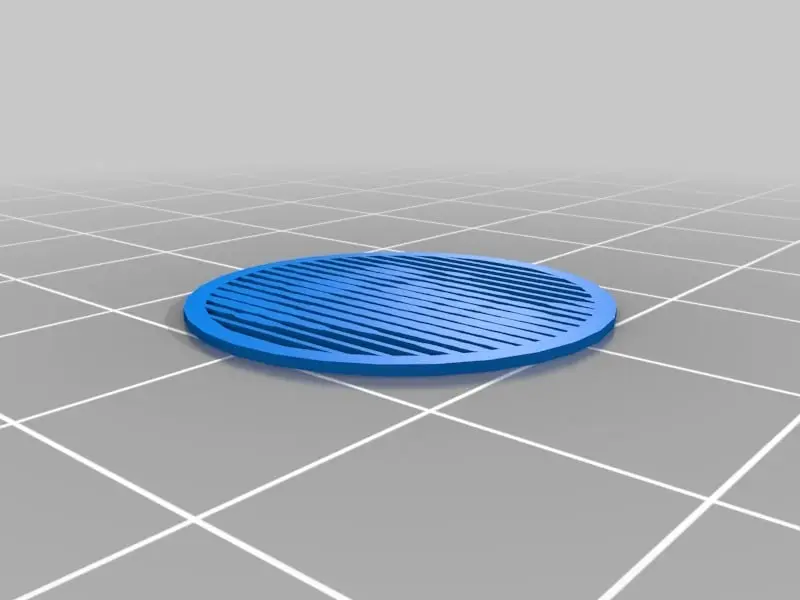
Processing taking too long? Try this faster version by jsc! Use this customizer to create a printable panel of a photo. Pixels are strung together in rows or columns like beads on a string. The size of each pixel varies according to brightness, so dark pixels are larger and block more light from...
Licencia
Solo uso personalCC BY-NC 4.0 — Atribución, no comercial
Puedes imprimirlo y modificarlo para uso personal dando crédito. No se permite vender las impresiones.
Al descargar aceptas respetar la licencia y dar crédito a Jim DeVona.
Archivos (4)
- Categoría
- Figuras y arte
- Formatos
- STL, SCAD
- Descargas
- 15,201
- Publicado
Sobre este modelo
Processing taking too long? Try this faster version by jsc! Use this customizer to create a printable panel of a photo. Pixels are strung together in rows or columns like beads on a string. The size of each pixel varies according to brightness, so dark pixels are larger and block more light from passing through the panel. In addition to uploading your own photo, you can tweak a few other settings including panel shape and pixel spacing. (To use larger photos, download the .scad file, adjust the height/width variables, and use this image array tool to generate the picture array.) All coordinates in the customizer are arbitrary units where 1 is the width of one image pixel. Scale results up or down as desired. Thanks to tbuser for comments helpful to get this working with Customizer. Use it to make medallions, coasters, or Bat-signal lens caps! Image Tips To get the best results, you might want to crop your image and increase its contrast before uploading. Try saving it in grayscale to see it the the way the customizer will see it. If the tones are too similar, the pixels will appear about the same size. You want the light areas to be white and the dark areas to be black. You can make room to display a little more variation in pixel size by decreasing the grid size and increasing the [maximum] pixel size settings. However, if you decrease the grid size too much it may not print, and if you increase the pixel size too much dark areas may overlap into a blob, so some compromise is necessary. It is normal for the image not to be too clear when you look at the panel or preview directly. It kind of relies on the blurring that occurs when you squint or look at it from a distance.
Descripción original del autor, publicada en Thingiverse.