Customizable Honeycomb Storage Wall (OpenSCAD)
por Xander en Printables
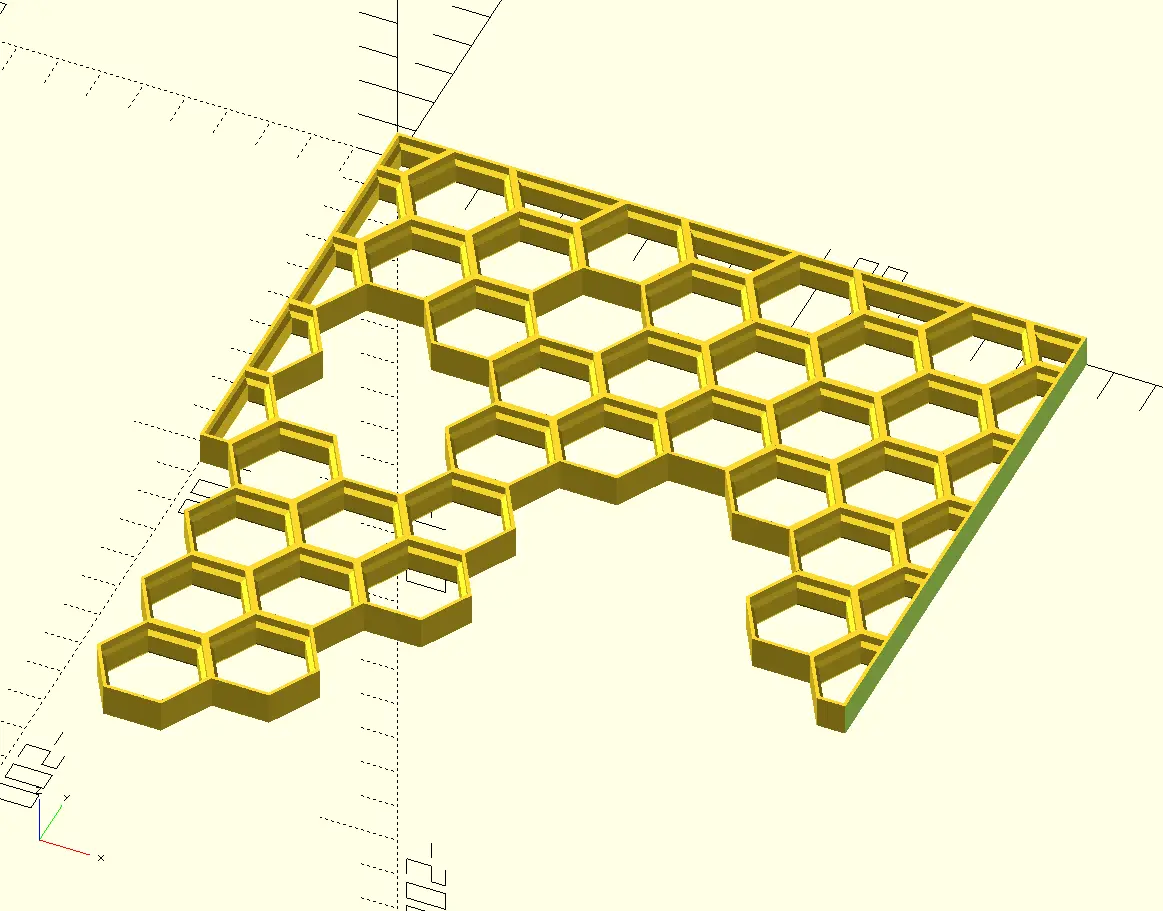
Customizable version of the Honeycomb Storage Wall that allows creation of custom grid sizes and irregular shapes.
Licencia
Uso comercial permitidoPuedes imprimirlo, modificarlo y venderlo dando crédito al autor.
Al descargar aceptas respetar la licencia y dar crédito a Xander.
Archivos (1)
- Categoría
- Hogar
- Formatos
- SCAD
- Descargas
- 10,321
- Publicado
Sobre este modelo
Customizable OpenSCAD version of the Honeycomb Storage Wall that allows creation of custom grid sizes and irregular shapes. About OpenSCAD OpenSCAD is a free software that facilitates parametric 3D modeling. If you are unfamiliar with OpenSCAD, I really encourage you to try it out. There is a wealth of fantastic models readily available that allow tweaking till your heart's content. Instructions New to OpenSCAD? No problem! Just follow these steps to start generating your own custom models: - Download and install OpenSCAD (its free!): https://openscad.org/downloads.html - Open the model file with OpenSCAD. These typically use the “.scad” extension. - Adjust the model parameters in the “Customizer” section as desired. - The “Customizer” section will be visible by default on right side of the window. If not, it can be toggled through the top menu (Window=>Customizer)
- Press F5 (or the “Preview” button at the top menu) to preview the model. - Press F6 (or the “Render” button at the top menu) to generate the model. - Press F7 (or the “Export to STL” button at the top menu) to save the exported STL to your computer.
Updates - February 4, 2023 - Added options for flat edges. (Suggestion from grow2live)
Descripción original del autor, publicada en Printables.