
Creality K1/ K1 Max Orca Slicer - Quality and Speed Profiles for 0.4 and 0.6 nozzle
Hey Guys,
Cults3D entrega los archivos a usuarios con cuenta gratuita
Licencia
Solo uso personalCC BY-NC-ND 4.0 — Atribución, no comercial, sin derivadas
Solo para uso personal, sin modificarlo y dando crédito. No se permite vender ni redistribuir cambios.
Al descargar aceptas respetar la licencia y dar crédito a RetroD.
Archivos (1)
- Creality K1 and K1 Max 0.4 Retro D.zip ZIP
- Categoría
- Para tu impresora
- Formatos
- ZIP
- Descargas
- 4,200
- Publicado
Sobre este modelo
Hey Guys,
Here are my Creality K1/ K1 Max Orca Slicer,
Quality, Speed, and Stealth Profiles for 0.4
and just for fun a Super Speed Profile that uses the Full 20k accelerations.
If you need 0.6, then adjust the layer heights and layer width accordingly.
For a 0.6 Nozzle, Change the following:
-Choose a Standard profile
-0.2 to 0.35 for layer heights
-0.6 to 0.8 for Layer Widths
These are my all-new profiles that have been completely overhauled and work with the stock printer profiles added to Orca
All you need to do is:
-Choose printer
-Choose a filament
-Pick a profile
-it's that easy!
To load them,
Add your Printer ie: K1 or K1 Max stock profiles.
Then Go to: File > Import > Import Configs > Search for files and confirm.
Make sure you have the correct printer selected in the drop-down menu, once you install them. or they won't show up. They Should have Retro D in the title.
The new profiles and Printer will be added to your dropdown menus.
New Configs include:
-10 Material Profiles
-10 Printing Profiles to meet your needs in 99% of situations.
Note:
If you still are not seeing the results you want,
remember these are for the general population and will need some further fine tuning to be perfect for your printer and setup.
try using the orca slicer's built-in calibration tools.
Just start from the top, work your way down the list, and update the profiles accordingly.
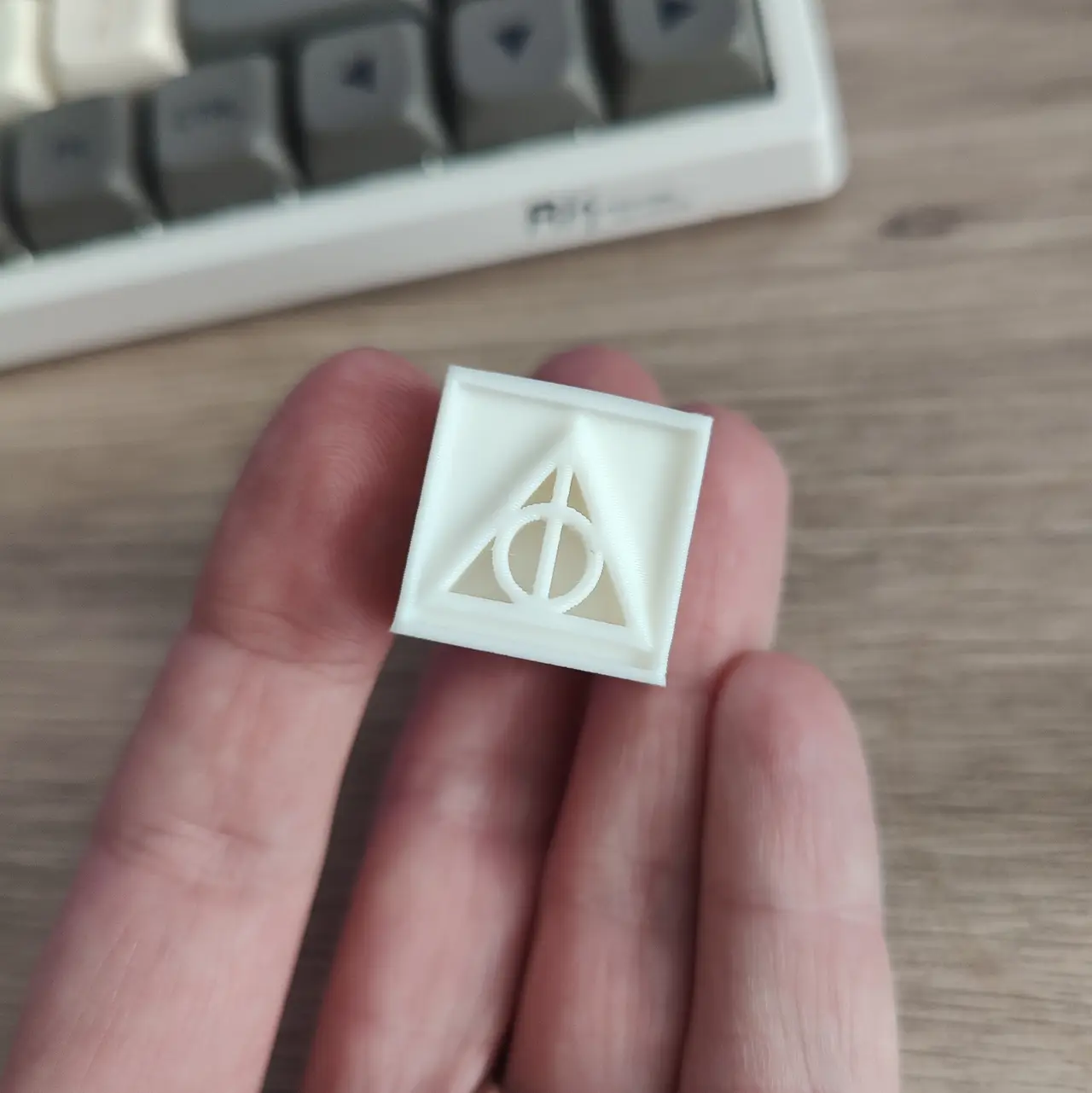
if you want a really good Calibration cube that prints pretty fast to quickly test your profiles, Please see the Link added below for the Deathly Hallows Calibration Cube.
Descripción original del autor, publicada en Cults3D.



