
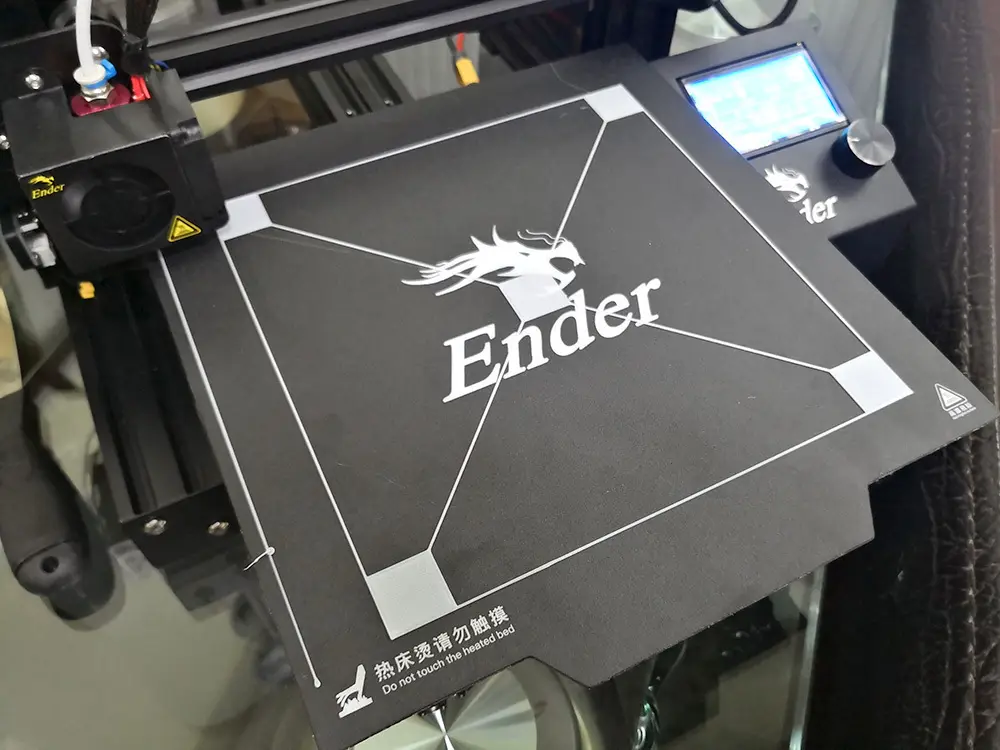
Creality Ender 3 Bed Leveling Calibration File - 190mm x 190mm
por EdwardChew en Cults3D
This design was based on another I found here but it was made for much bigger print bed like the CR10 and i recently acquired a Ender 3 with 235x235mm size bed and the file didn't work for it despite scaliing in the slicer so i made this quick one.
Cults3D entrega los archivos a usuarios con cuenta gratuita
Licencia
Solo uso personalCC BY-NC 4.0 — Atribución, no comercial
Puedes imprimirlo y modificarlo para uso personal dando crédito. No se permite vender las impresiones.
Al descargar aceptas respetar la licencia y dar crédito a EdwardChew.
Archivos (1)
- bed_leveling_190_x_190_for_ender.stl STL
- Categoría
- Para tu impresora
- Formatos
- STL
- Descargas
- 8,500
- Publicado
Sobre este modelo
This design was based on another I found here but it was made for much bigger print bed like the CR10 and i recently acquired a Ender 3 with 235x235mm size bed and the file didn't work for it despite scaliing in the slicer so i made this quick one.
190mm x 190mm x 0.6mm
The lines are 0.6mm as well
So if you print at 0.3 then it should print just 2 layers.
0.2 be 3 layers.
Using this bed leveling method with make your bed leveling peerrrrfect!
How to use?
1. First do the paper leveling on your bed
2. Print this
3. Observe the printed result.
- if layer looks squashed and wide, increase the gap between nozzle and bed
- if layer looks thin and not adhering well, reduce gap between nozzle and bed
- if infill layer and outer perimeter has big gap, look for 1 of the attached pic for explanation
Creality Ender 3
https://www.banggood.com/Creality-3D-Ender-3-V-slot-Prusa-I3-DIY-3D-Printer-Kit-220x220x250mm-Printing-Size-p-1278399.html?utm_campaign=t0002_1123036&utm_content=11033&p=DG23031123036201501P
Descripción original del autor, publicada en Cults3D.



