
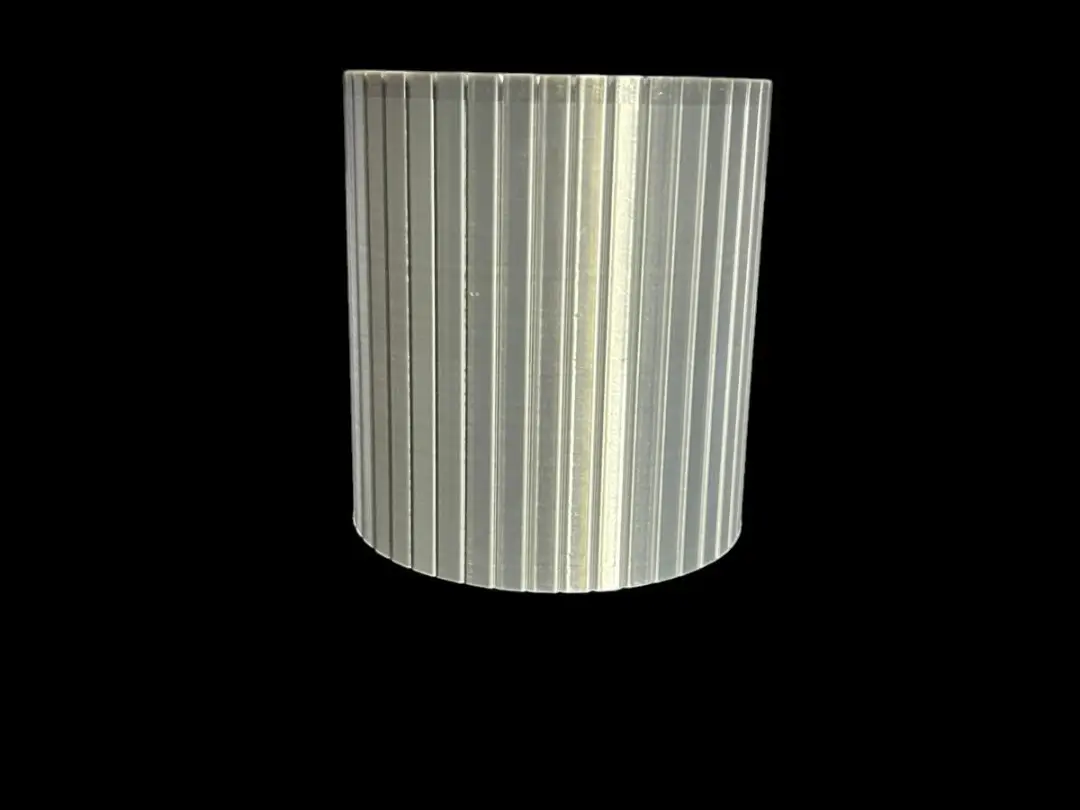
Colosseum Container
por jeweks_accessories en MakerWorld
Discover the "Golden Icon" collection—a series of functional, minimalist desktop accessories inspired by the iconic geometric forms and lines found throughout the history of design.
MakerWorld entrega los archivos a usuarios con cuenta gratuita
Licencia
Solo uso personalStandard Digital File License
Licencia estándar de archivos digitales: solo uso personal. No se permite compartir, revender ni subir el archivo a otros sitios, ni vender las impresiones.
Al descargar aceptas respetar la licencia y dar crédito a jeweks_accessories.
- Categoría
- Herramientas
- Descargas
- 0
- Publicado
Sobre este modelo
Discover the "Golden Icon" collection—a series of functional, minimalist desktop accessories inspired by the iconic geometric forms and lines found throughout the history of design. These are more than just organizers; they are a tribute to iconic craftsmanship. By blending geometric precision with architectural symmetry, this collection brings a sophisticated and prestigious aesthetic to your modern workspace or home decor. ✨ Design Highlights Iconic Aesthetic: Inspired by classic, cult-status geometric motifs that have left their mark on the history of design. Minimalist & Functional: With their clean lines, sharp contours, and understated visual presence, these pieces elevate any desktop setup. Customizable Bases: Personalize your designs by choosing from a variety of patterns available for the interior of the tray bases. Silk PLA Compatibility: We recommend using "Silk PLA" filaments to accentuate the metallic character; this material catches the light and reflects it softly across the sharp, defined edges of each piece. ⚙️ Printing & Settings Recommendations Orientation & Supports: No support structures are required for the tray designs or for containers placed upside down on the print bed. Preset Recommendation: For prints that do require supports, we suggest using the "Goldsmith" preset included within the 3MF files to achieve the best results. Layer Height & Time Optimization: Our presets utilize a 0.2 mm layer height and a wall thickness of 2 units to ensure efficient print times. However, if you wish to further improve print quality—at the cost of longer print times—you can adjust these settings. 🛠️ Tips for Removing Support Structures Cooling Time: Once the print is complete, wait about half an hour for the part to cool down. Suitable Tools: You will need a tool with a long, thick tip to remove the support structures; a wide, flat-head screwdriver or a sturdy kitchen knife will work well. Technique: As shown in our videos, insert the tip of the tool firmly into the flat-edged sections at the base; then, twist the tool clockwise and counter-clockwise to detach the support structures from the main body. Once detached, they will come away easily. We would love for you to share your own print settings with us—especially those that have yielded great results! Best regards.
Descripción original del autor, publicada en MakerWorld.



