
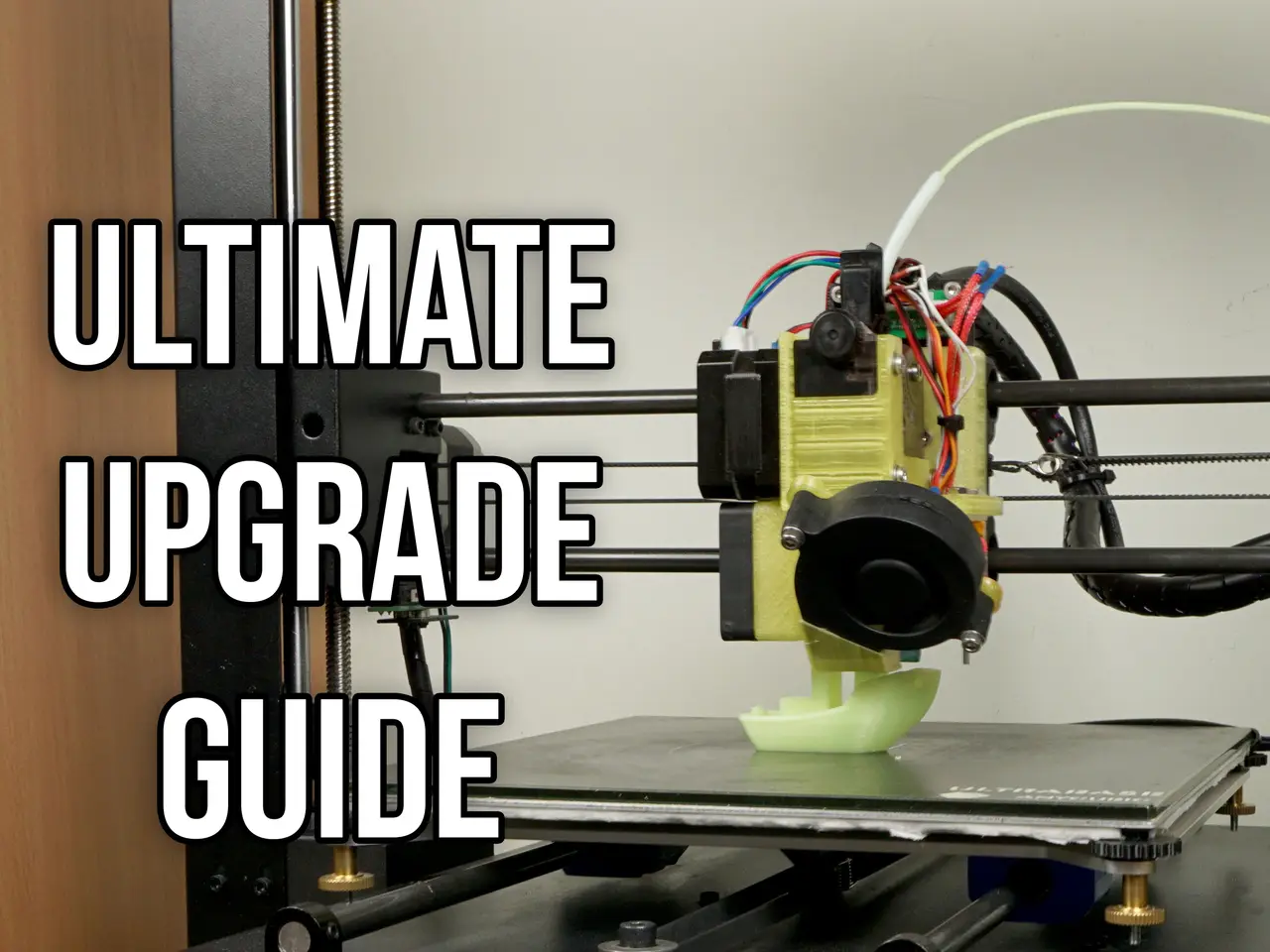
Anycubic I3 Mega ULTIMATE Upgrade Guide
por Artur Petrzak en Thingiverse
If You enjoyed this guide and You want to say "Thank You" please consider supporting me by sending a tip on thingiverse or my PayPal here. Within the past few months I was working on my I3 Mega. I have tested a lot of different combinations of extruders, hotends, bearings and their configuration...
Licencia
Solo uso personalCC BY-NC-SA 4.0 — Atribución, no comercial, compartir igual
Uso personal dando crédito; sin fines comerciales y las modificaciones con la misma licencia.
Al descargar aceptas respetar la licencia y dar crédito a Artur Petrzak.
Archivos (13)
- Marlin_I3_Mega.rar RAR · 1,1 MB
- Bl_touch_mount.stl STL · 203 KB
- M3_nut_cover.stl STL · 259 KB
- belt_mount_v4.stl STL · 691 KB
- Mosfet_holder.stl STL · 8,1 MB
- Marlin_03.06.2018.rar RAR · 988 KB
- Marlin_25.07.2018.rar RAR · 999 KB
- Marlin_06.08.2018.rar RAR · 1002 KB
- Marlin_05.10.2018.rar RAR · 1011 KB
- Marlin_12.10.2018.rar RAR · 1011 KB
- Marlin_05.11.2018.rar RAR · 1011 KB
- Marlin_02.12.2018.rar RAR · 1011 KB
- Marlin_25.02.2019.rar RAR · 1011 KB
- Categoría
- Para tu impresora
- Formatos
- RAR, STL
- Descargas
- 23,109
- Publicado
Sobre este modelo
If You enjoyed this guide and You want to say "Thank You" please consider supporting me by sending a tip on thingiverse or my PayPal here.
Within the past few months I was working on my I3 Mega. I have tested a lot of different combinations of extruders, hotends, bearings and their configuration, Linear Advance etc. My goal was to get best results possible, make it more reliable, quiet and in the same time make it faster. In this guide I will try to explain every upgrade i have made, why it was necessary and what it gives. Read it and say what You think about it in the comments. And remember that the more You dig in this topic the more imperfections of Your prints you will see. (Master Yoda style xD) I have added to this thing a few of my designs so it will be easier for You to download them. 1. Silencio! I3 Mega is a very good printer out of the box, but it has really big issue. It sounds like a giant fan! First thing that You want to do is to swap cheap, Chinese fans for better ones, for example Noctua, or some other brand that You know is good. I'm using SilentiumPC Zephyr fans, but it's a Polish brand so it may be hard to get for You. They are cheap and really silent for its price. You will need: - PSU: 60x60x15mm fan (original one is rated 14V, but I have installed standard 12V fan and it's working fine) - Motherboard cooler: 50x50x10mm 12V - Hotend radiator cooler: 40x40x10mm 12V - Nozzle fan - This one isn't standard fan and I couldn't find a good replacement. Also it's a turbine so it's normal that it will make some noise. I suggest leaving it as it is because it's working great.
Of course I was trying different cooling ducts which were using non turbo fans. What I have tested: - https://www.thingiverse.com/thing:2577163 - https://www.thingiverse.com/thing:2635522 - https://www.thingiverse.com/thing:2529499 - and probably some others which I couldn't find now.
Conclusions: DO NOT use non turbo fans for material cooling! Especially the silent ones. They are silent because, they are using better bearings, but they also pump less air. When printing with PLA it was giving worse results then the original fan duct. If You are printing with PETG or ABS mainly - go for it. If your main material is PLA don't waste your time on this topic. Of course You can install non silent fan which will make wind like crazy, but it will not be silent and probably the original fan and fanduct will be still better. What You can consider installing: - https://www.thingiverse.com/thing:2457516 or this part: - https://www.thingiverse.com/thing:2706092 (I was trying only the first one)
Original cover has a lot of holes which are making whining noise when the air is going through them. Installing this covers will get rid of this annoying sound. 2. Silencio is not enough! Now Your 3D printer is deprived of one third of its noise. When You will start to print, You will realize that the most annoying sound that CNC machines are making - stepper sound is now in the foreground. Solution for getting rid of this is really simple - You need to swap Your cheap A4988 drivers for better ones. I'm using TMC2208 which I bought here: - http://bit.ly/TMC2208 They are easy to install. You just need to throw out old ones and put new ones in their place. Then You just need to invert your stepper motor spin direction by connecting stepper connectors upside down or by inverting it in firmware. (Firmware things later) Except that they will make Your printer deadly silent, they will improve print quality (A4988 has 1/16 microstepping, TMC2208 has 1/256) also You are able to make your 3D printer smart with them, but I will talk about it later.
EDIT: 11.2019 - Today You should choose TMC2209: http://bit.ly/TMC-2209 ATTENTION! Before You will order them check Your motherboard. New version of I3 Mega has 32 bit motherboard and it has non swapable drivers. My friend desoldered them and soldered TMC2208. It is working fine, but unless You are familiar with hot-air soldering don't even think about it. You can watch swapping process, and sound comparison on my video about it here: - https://www.youtube.com/watch?v=efpZR1sLH6o It's in Polish language, but it should be easy to follow even if You don't understand a word.
3. Silencio is STILL not enough! - Optional! - Really not worth the effort Your 3D printer should be almost silent now. The only thing which can irritate You now is rattling sound of standard linear bearings. The easiest solution? Swap standard bearings for polymer bushings! Great idea! No moving parts, self-lubricating, silent!
Unfortunately it's not that awesome as it sounds.
Most popular solution that i see very often is Igus RJ4JP-01-08 bearing probably because It's relatively cheap. I will say it straight. Don't waste Your time on them! They are all polymer and even a small tension will bend them and create friction. I was working on them for a while. I have even designed my own holders which are holding bearings by using small stripes, and not creating tension on them. You can find them here: - https://www.thingiverse.com/thing:2791727
Conclusion: Even with proper setup (Which is really hard to achieve) they will not run as smooth as original bearings. Also they will have higher clearance (which is bad) because they need to be squished with some force in the casing which is impossible to do at home without press. If You still want to have silent bearings here is a solution: Use Igus RJZM-02-08. These are also polymer bushings but closed in metal case which allows them to ensure proper clerance and they will not bend under tension. You will find them here: - http://bit.ly/2GecZat
I'm using them with Igus high precision aluminum shaft: - http://bit.ly/2GendaF Polymer bushings are working better with them, bearings should last longer and the printer is much lighter. Also it looks cool because these shafts are black! For the heated bed You need 2 x 360 mm shafts and for X carriage 2 x 330 mm. Don't use these shafts with standard linear bearings. Steel balls in bearings will ruin the shaft really quickly. It's not crucial upgrade - You can use RJZM-02-08 with original rods.
Caution! After some time I realized that these shafts are bending under the weight of the direct carriage. Aluminum shafts under the bed probably do the same which makes weird stuff with printer geometry. I highly recommend to stick with original steel shafts. IMPORTANT THING TO CHECK Even if You are not changing shafts, check if Your bed shafts are rotating freely in the clamps. Mine were not and this means that the clamps are not aligned properly. This can make your shafts bend a bit and it will cause problems with leveling and in critical situation even some weird things with layering. It's way more important with aluminum shafts because they are less stiff than original ones. To align them properly grab a 8 mm drill and put it in the clamp. (Use side without cutting edge) Bend it a bit in proper way, then put shaft inside and check if it's aligned better. Repeat for all the clamps. When clamps are aligned properly, You should be able to easily rotate shafts when they are in both clamps (but without tightened screws). The best bearing holders I found and which I'm using with RJZM-02-08 are these: - https://www.thingiverse.com/thing:1062598 I have printed mine with ABS and I can recommend them to You.
Now, if You installed properly Igus RJZM-02-08 in mentioned above holders Your Y plate should run smoothly without using too much force. You're happy now so You're installing heated bed, leveling it, and...? Probably It's not moving as freely as before installing the bed! Why? It's because standard Y plate is made with not stiff enough material and when you compress the springs when leveling the bed it's bending a bit and it's misaligning bearings. Solution? Get rid of springs and use self-locking nuts with for example my nut covers: - https://www.thingiverse.com/thing:2843274
Leveling in this way may be a bit tricky, but it will not create unnecessary tension on Y plate. (If You will level it correctly) Quick leveling guide: - Level one bed corner and tighten nut under it. - Level opposite bed corner and tighten nut under it. - Level one of two last corners and tighten nut under it - Now check if three leveled corners are at proper height, and correct them if needed. - Level last corner and tighten nut under it. Do not touch the rest now.
Now Your bed should be leveled without creating unnecessary tension. There is one more advantage of leveling the bed without springs. Now when You dismount bed from the plate and install it again it will probably by leveled immediately or it will need only small correction. If Your Y plate is bent already I suggest You to install better Y plate. I'm using this one: - http://bit.ly/2pMdqmX It will fit Your I3 Mega, but original belt holder will not, so I have created new belt holder which You can find here: - https://www.thingiverse.com/thing:2843271
Now when everything is straight it should move properly. Theoretically these bearings are self-lubricating but I found that they are running much smoother with a bit of lithium grease. 4. No wobble please My I3 mega was equipped with non elastic couplers for connecting Z motors with lead screw. It would be a good solution if everything were parallel and straight, but this is Chinese, cheap 3D printer and trust me it will never be machined well enough. It was giving me a bit of Z wobble effect, so I have switched from stock couplers for elastic ones: - http://bit.ly/2jNzA4U (25 mm diameter will not fit, this is just example)
It was much better, but these cheap couplers may also be not machined precise enough. For example: In one of mine couplers 5 mm hole was not on the axis with 8 mm. They are also bad for one big reason. Screw and motor axis are locked by pressing to a wall by the screw. It's not a ideal way to set two rods in one axis, so I bought better couplers for use with cnc machines: - http://bit.ly/2rAuptv - http://bit.ly/2IxDgSo You need 5 mm to 8 mm coupler with 20 mm diameter. (I'm using the second one)
These are machined a lot better, and they are clamping on shafts which should set them in axis a lot better. I have also inserted 6.5 mm steel ball inside the couplers. (between the shafts) It makes them work even better. 5. Forget about leveling This part is easy but it requires modifying firmware. It gives You the ability to do everything with Your printer but it requires some coding skills. Unless You are familiar with Arduino and coding skip this step for now. I'm using dual Z endstops and BLtouch. Why? When printer is homing Z axis dual Z endstops are synchronizing Z motors, so the X axis is always at the same angle to heated bed. Then the probe is measuring the distance to bed and it's setting the nozzle always at the same height from the bed. It's also compensating for not ideally flat bed. For Autoleveling I'm using Unified Bed Leveling system. You can read about it here: - http://bit.ly/2GdQB10
Ok so what You need? You need some probe to measure the distance between X carriage and heated bed. I'm using BLTouch which You can find here: - http://bit.ly/2Qi7GPd
You can install it to original X carriage by using my mount: - https://www.thingiverse.com/thing:2824005 Or You can read next point.
6. New X carriage I really liked original X Carriage, but when I started to tinker with bearings etc. it started to be really painful. You need to disassemble it almost completely when You want to change the bearings or bearing holders. Also it has one big disadvantage especially when using polymer bushings. When You assemble it You need to manually set bearing holders parallel when tightening the screws. It's simply time consuming and not worth the effort, so I have remixed one of Prusa X carriages to fit our printer. I have also added place for pcb and cable holder. You can find it here: - https://www.thingiverse.com/thing:2838383
It's simply much easier to use, it has less screws and You don't need to set Your bearings parallel because it's doing it for You. When using this X carriage You will need to invert X motor spin direction, and probably make X endstop leaver a bit shorter. Now You need to make holder for hotend, cooling etc. If you want to use bowden I suggest You to use this: - https://www.thingiverse.com/thing:2023947
I was using it for some time and it was working great. To build this You will need: - 5015 Sunon Fan: http://bit.ly/2pLkG2l - 40x40x10mm 12V fan: http://bit.ly/2FMJ0X3 - J-Head v6 (E3D V6 clone): http://bit.ly/2uslKNx - BLTouch if You don't have it already: http://bit.ly/2p8kWYe
I have also installed this heat block and sock: - http://bit.ly/2IBMH7i On Chinese J-Head V6 heatblock is smaller than original one from E3D, so I have ordered this. It's also Chinese but with this You can install original socks from E3D which I also recommend. They keep the heat inside so material can cool quicker and also it prevents cooling heat block by material cooling fan.
Here are original E3D socks, which I'm using: - http://bit.ly/2Gdt7sH
Does not matter if You stay with standard X carriage or You are making a new one. In both cases I suggest You to install this: - Capricornus PTFE Tube (1 meter is more than enough): http://bit.ly/2I9GUXe This tube has smaller inner diameter than standard bowden tube, so the filament has less clearance there. It will help a bit with retraction and it will make laying the material a bit more precise.
7. We need more precision If You are printing with 0.1 mm layer height or maybe even 0.06 mm You can encounter problems while printing really small areas. (Even with 0.4mm nozzle. If You are going to use smaller nozzles You can be sure that this will happen) It will look like under-extrusion in for example circuits of small holes while everything else will be printed well. That's because standard extruder has too small resolution and it can't dose slowly really small amounts of material. Solution? Install Titan extruder. I'm using this one: - Titan extruder(E3D clone): http://bit.ly/2rn4u7r
You can use it with stock motor and it will work well, but there may be a problem with retraction. Stock stepper is not high speed and max retraction speed which I was able to achieve without loosing steps was about 30 mm / s (I do not remember exactly, sorry) This wasn't satisfying me, so I have installed better stepper motor: - http://bit.ly/2G6NE2e This is original stepper motor from E3D designed to use with Titan extruder. With this stepper I'm using retraction speed 45 mm/s. It can go higher but I found that too high speed is also not so good. It's 400 steps per revolution, so it gives twice more resolution than standard engine. Titan extruder + this engine = six times more resolution than in stock I3 mega. I don't think that we need so high resolution here but the truth is that more is better. You can order "Set 2" of titan extruder mentioned above and it will come with pancake stepper motor.
8. Making bowden extruder more reliable If You need to use really long retracion for example 6 mm there's obviously something wrong with Your setup. The first thing You should check are pneumatic fittings. In cheap Chinese 3D printers we have cheap Chinese pneumatic fittings. Are You surprised? xD They may work as they should but sooner or later they will get loose. Take a black marker and make a line on bowden tube close to the fittings. Now print some retraction tests and observe lines which You have made. If they are moving back and forth when retraction is going this means that Your setup is not reliable. There are two ways of fixing it: - First - temporary. If You take Your bowden out of the pressing You should see that Your tube is grinded in place which fitting was holding it. You can make Your tube a bit shorter so the pneumatic fitting will hold the tube in new non grinded place. Make new line and check if it's still moving. - Second - permanent. Use high quality pneumatic fittings or print this:- https://www.thingiverse.com/thing:1993384 I was using it for some time and it fixed my problems. Just remember to tighten it with filament inside the tube. It will squish the tube and at the beginning filament may not move as easy as it should. After some time the tube will adapt to this fitting and everything will work as it should. Still make mark on the tube and observe it. If it's moving tighten the nut more.
9. Preassure problems and Linear Advance At this point I was happy with the results, so I started increasing some speeds. Bowden printers are ment to be fast, X carriage is much lighter than on direct extruder printers, isn't it? And here we go again it's not as good as it should be. In bowden type printers the pressure needs to build up inside the bowden tube and only after that the pressure behind the nozzle is enough for printing line as it should be printed. But there is a problem. If we stop printing this line especially if it's printed with higher speed for example 80 mm/s and next printed line is outline which in my case was printed with 30 mm/s the pressure which was builded up in the tube makes this new line much thicker than it should be. Some people are getting rid of this effect by using negative extra retraction distance, but in mine opinion it's really stupid idea... Yes it will fix it but when You will print something which needs a lot of retraction for example this: - https://www.thingiverse.com/thing:1388237
Descripción original del autor, publicada en Thingiverse.



