
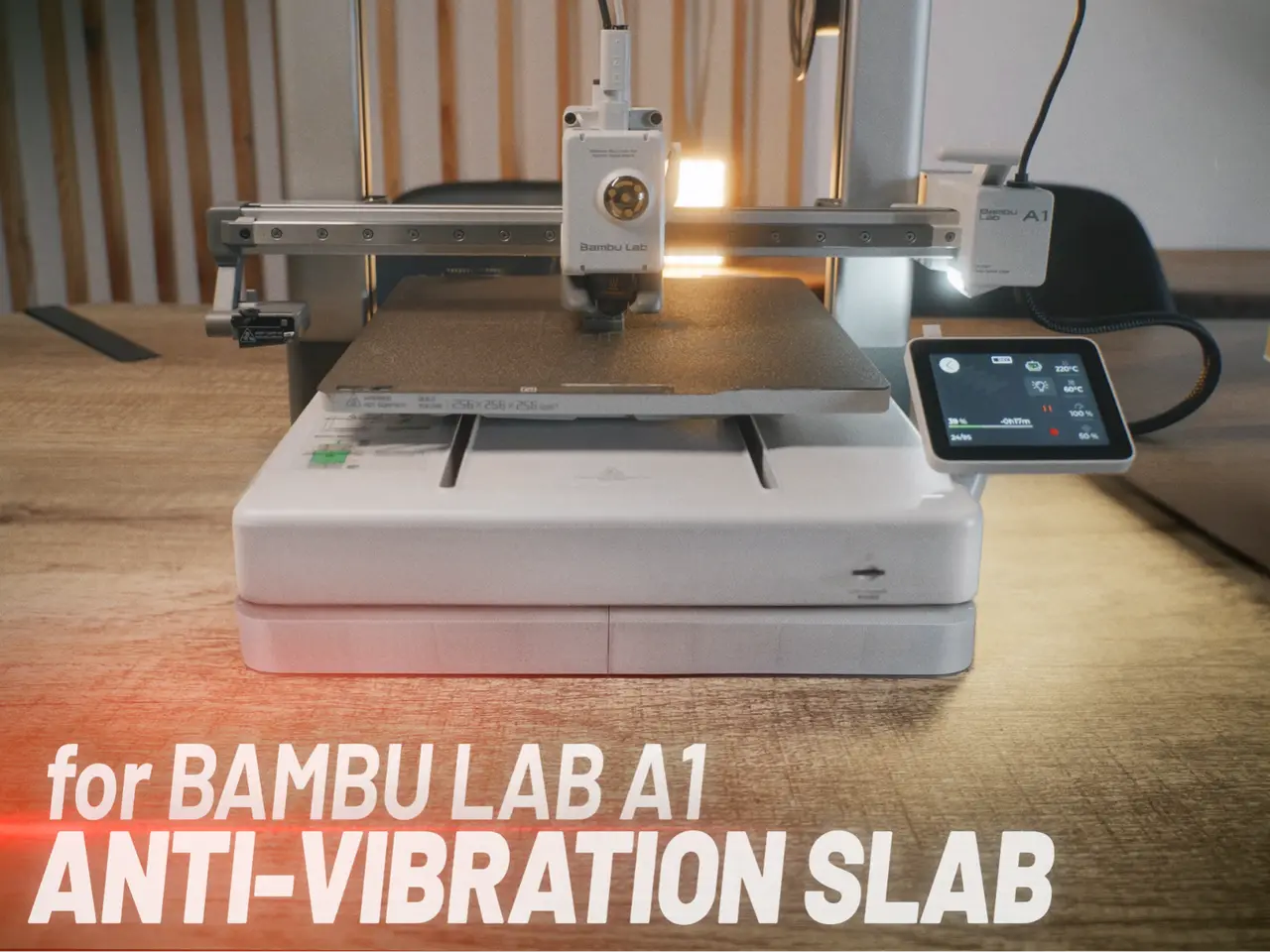
Anti-vibration Slab for Bambu Lab A1
por V4 MODE en MakerWorld
A printed shell you fill with concrete or tile adhesive. Once it cures, it becomes a solid, heavy slab that sits under your Bambu Lab A1 and cuts vibration and noise.
MakerWorld entrega los archivos a usuarios con cuenta gratuita
Licencia
Solo uso personalMakerWorld Exclusive License
Licencia exclusiva de la plataforma: uso personal, no se permite compartir el archivo ni vender las impresiones.
Al descargar aceptas respetar la licencia y dar crédito a V4 MODE.
Archivos (4)
- VibroPad Body.stl STL · 468 KB
- VibroPad Body _mirrored.stl STL · 468 KB
- VibroPad Cap.stl STL · 378 KB
- VibroPad Cap _mirrored.stl STL · 378 KB
- Categoría
- Para tu impresora
- Formatos
- STL
- Descargas
- 0
- Publicado
Sobre este modelo
A printed shell you fill with concrete or tile adhesive. Once it cures, it becomes a solid, heavy slab that sits under your Bambu Lab A1 and cuts vibration and noise. How it works
- The slab adds mass under the printer. The heavier base moves less as the bed and toolhead shake it, which reduces high-frequency vibration.
- A soft layer under the slab (rebond foam is ideal, or several layers of thick soft fabric) decouples it from the table and absorbs what’s left.
The slab matches the footprint of the A1 base. The plastic shell keeps it clean: no concrete dust, no dirt, no scratched furniture, and it looks far better than a bare concrete block.
What you need
- Up to 500 g of filament
- Concrete, mortar or tile adhesive
- Super Glue for the printed parts
- Rebond foam or thick soft fabric for underneath
Assembly
- Print the 4 base parts and glue them together.
- Print the 4 lid parts and glue them together.
- Fill the base, which has an internal reinforcing structure, with concrete, mortar or tile adhesive. Stop 3–4 mm below the edge.
- Press the lid on top. Its tabs embed into the wet mix and lock it in place.
- Let it fully cure, place it on the soft layer, and set the printer on top.
Descripción original del autor, publicada en MakerWorld.



