
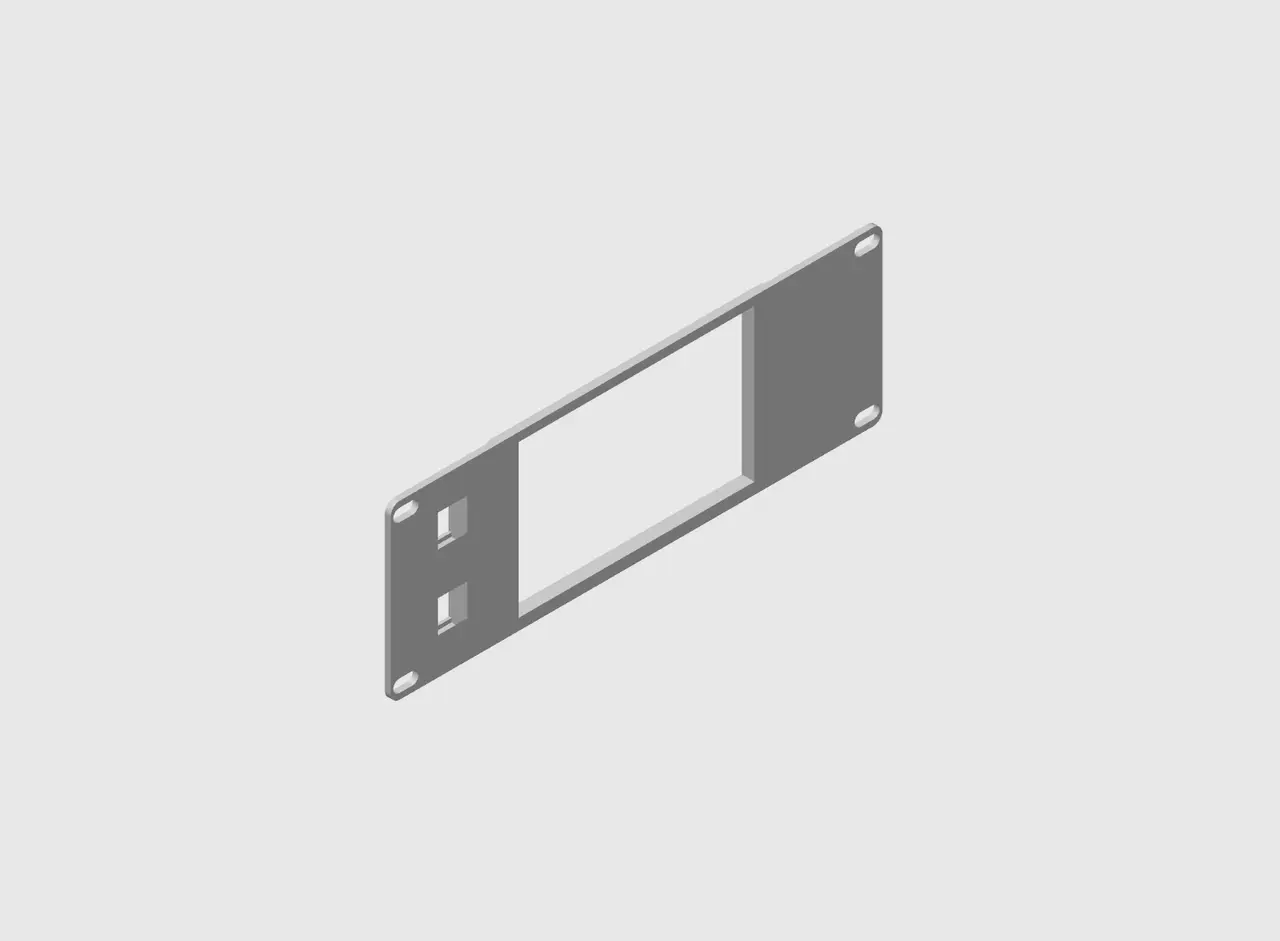
2U Elcrow 5-inch Display Panel with 2 Keystone Ports for 10-inch Racks
por SprtnBit en Printables
10-in rack mount panel for Elcrow 5-inch touchscreen display (SKU:DIS05490T)
Licencia
Solo uso personalCC BY-NC-SA 4.0 — Atribución, no comercial, compartir igual
Uso personal dando crédito; sin fines comerciales y las modificaciones con la misma licencia.
Al descargar aceptas respetar la licencia y dar crédito a SprtnBit.
Archivos (1)
- Categoría
- Tecnología
- Formatos
- STL
- Descargas
- 1
- Publicado
Sobre este modelo
General Information I modified the original mount, by deleting the two keystone ports on screen-right, to allow more clearance for the HDMI and USB cables. Print Settings The general settings I used were the default OrcaSlicer settings for 0.2 mm layer height with the following settings changed. Wall loops: 5
Sparse infill pattern: Gyroid
Assembly Install the display so that the keystones are opposite the HDMI port. There are two options for mounting detailed below. 1. Installing with threaded inserts and screws (from Pessoa) Required parts - 4x M3x3 thread inserts.
- 4x M3x6 screws.
2. Installing by heat-staking Place the display on the panel and align the holes on the PCB with the corresponding holes on the panel. Use a soldering iron to fill the holes on the panel (be sure to actually weld the filament to the surrounding plastic) until the melted filament is proud of the hole in the PCB. Use a coin (or anything that is metal) and press the plastic flat. Repeat for the three remaining holes. >>>> BE SURE TO CHECK ALIGNMENT <<<< I used paper shims to ensure that the display was aligned within the frame of the panel. This installation method isn't pretty, but works well and is free. I will produce another model (in the future) with pegs that can be melted down so that you don't have to use filament and fill-in holes.
Descripción original del autor, publicada en Printables.



